Smart AI Photo Editing, Transform Your Images Instantly
Edit, enhance, and perfect your photos in just a few clicks. Whether you’re cleaning up imperfections, replacing backgrounds, or restoring memories, our AI tools make professional-level editing accessible to everyone. no professional editing skills required!
Start Editing Now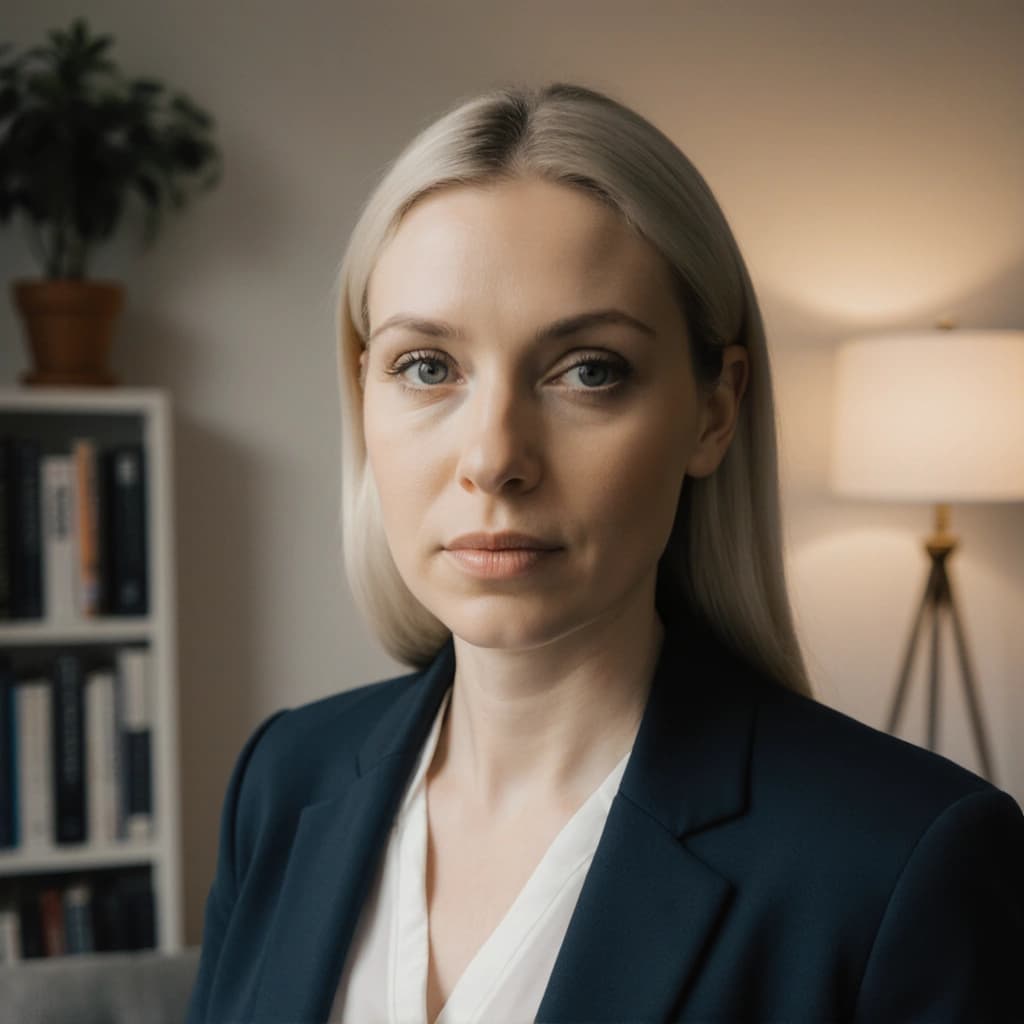
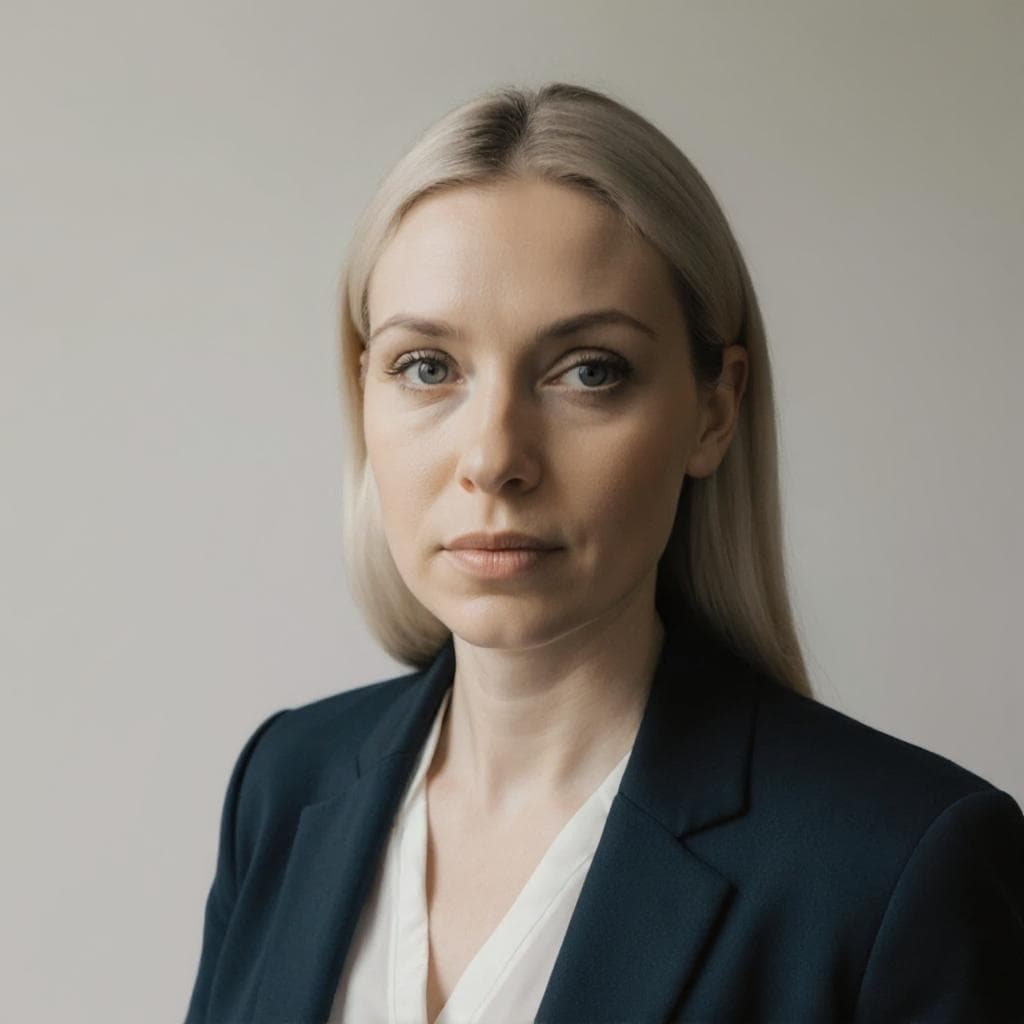
Trusted by Thousands of Professionals & Creators Worldwide





Explore Our Popular AI Editing Tools
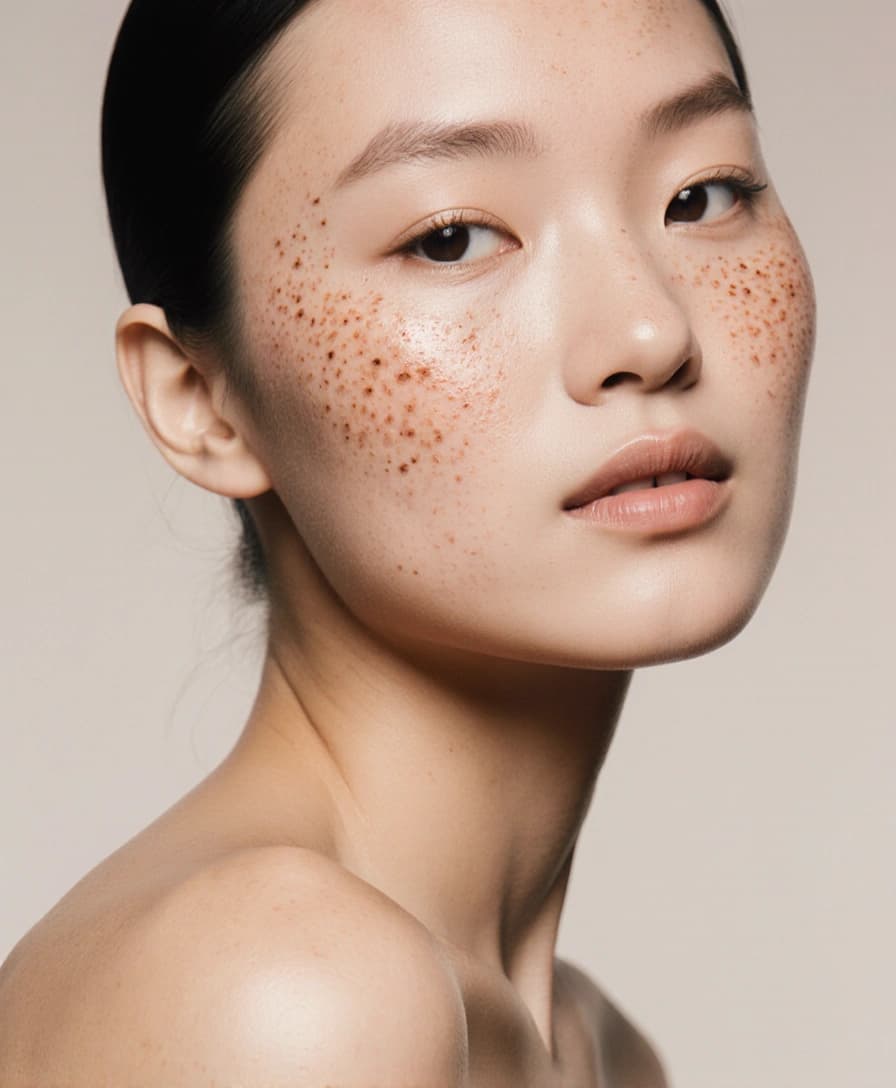
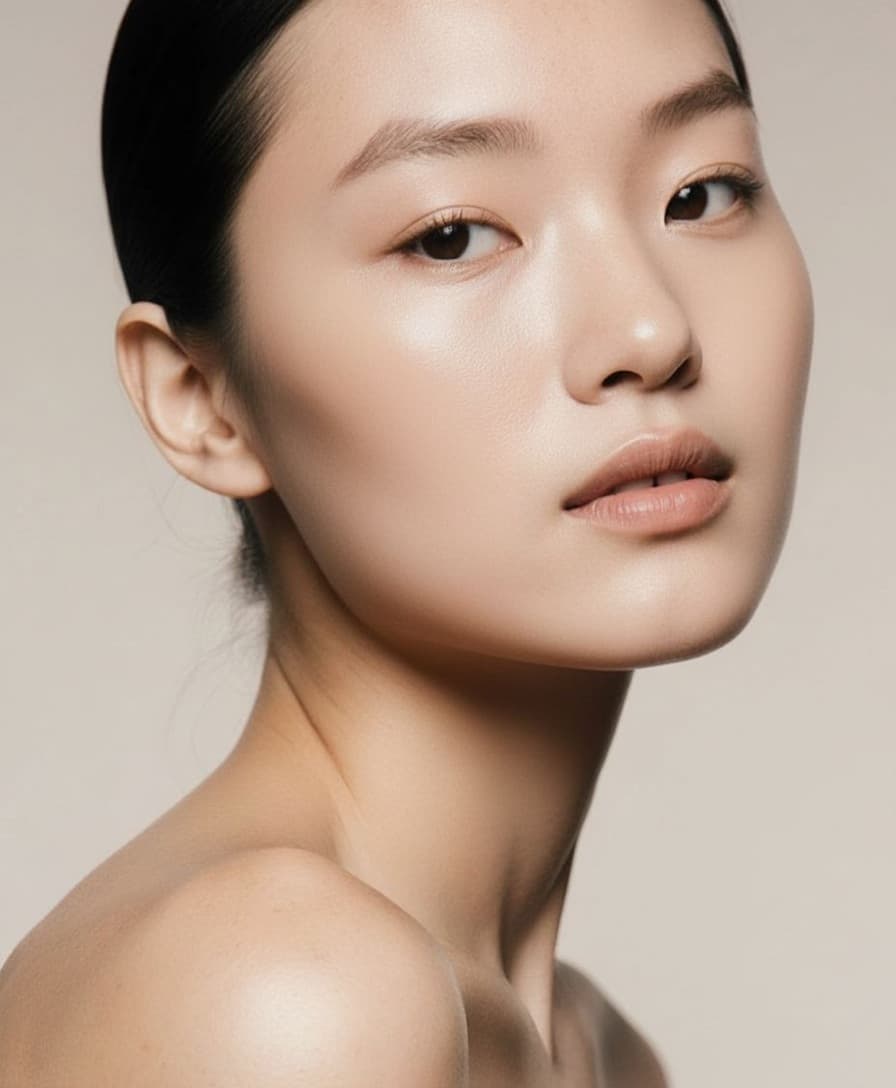
Blemish Remover
Smooth out acne, redness, and skin imperfections effortlessly. This tool enhances facial clarity while keeping your natural look intact-perfect for professional headshots or polished personal photos.
Try the Blemish removerBackground Changer
Easily replace distracting or dull backdrops with clean, professional, or creative backgrounds. Ideal for LinkedIn profiles, resumes, or dating apps-your photo, your setting, your style.
Try the Background Changer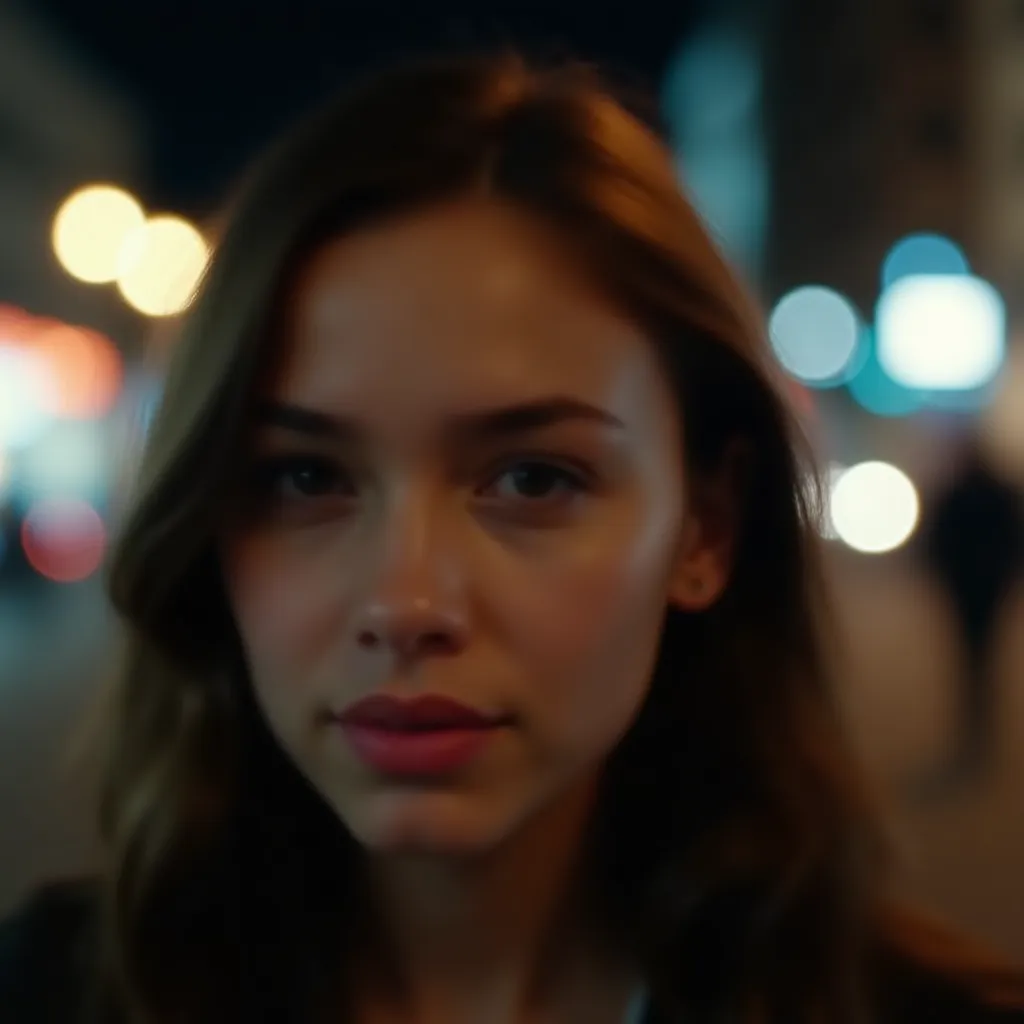
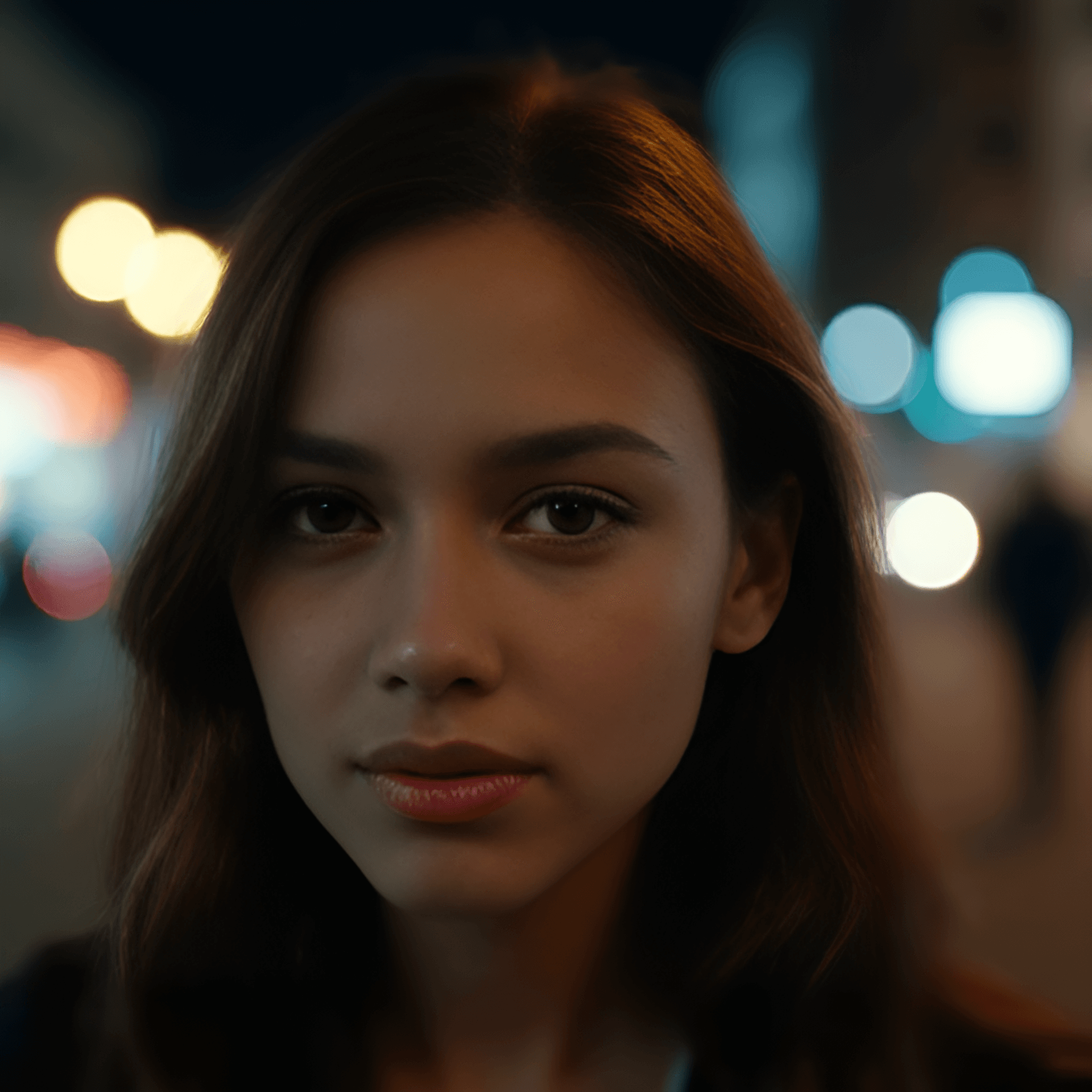
Face Restoration
Sharpen and enhance real facial features-no AI-generated faces. Perfect for blurry or low-res images that need detail recovery, while keeping your identity 100% authentic.
Try the Face Restoration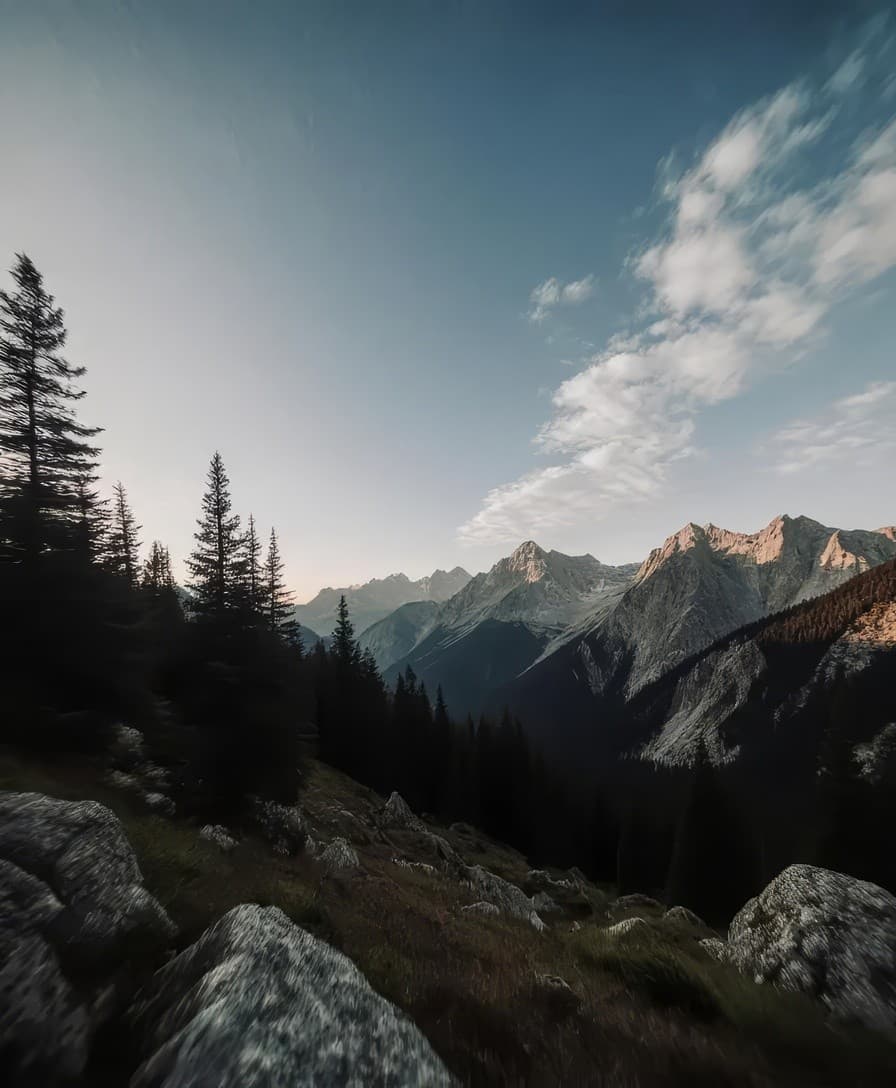
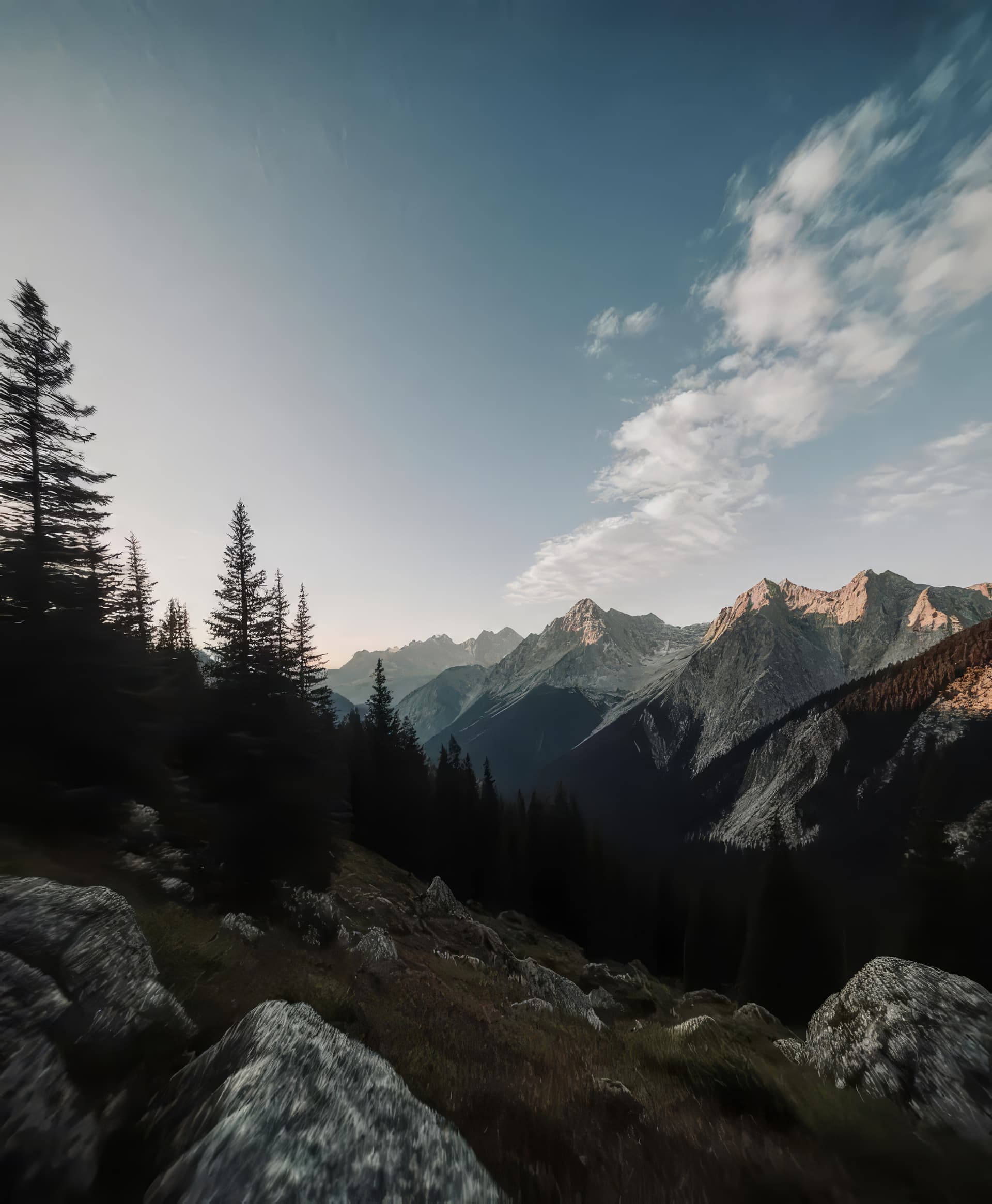
Image Upscaler
Make low-resolution photos high-quality with one click. Our upscaler increases size and clarity without losing detail-great for printing, websites, or anywhere you need your image to shine.
Try the Image Upscaler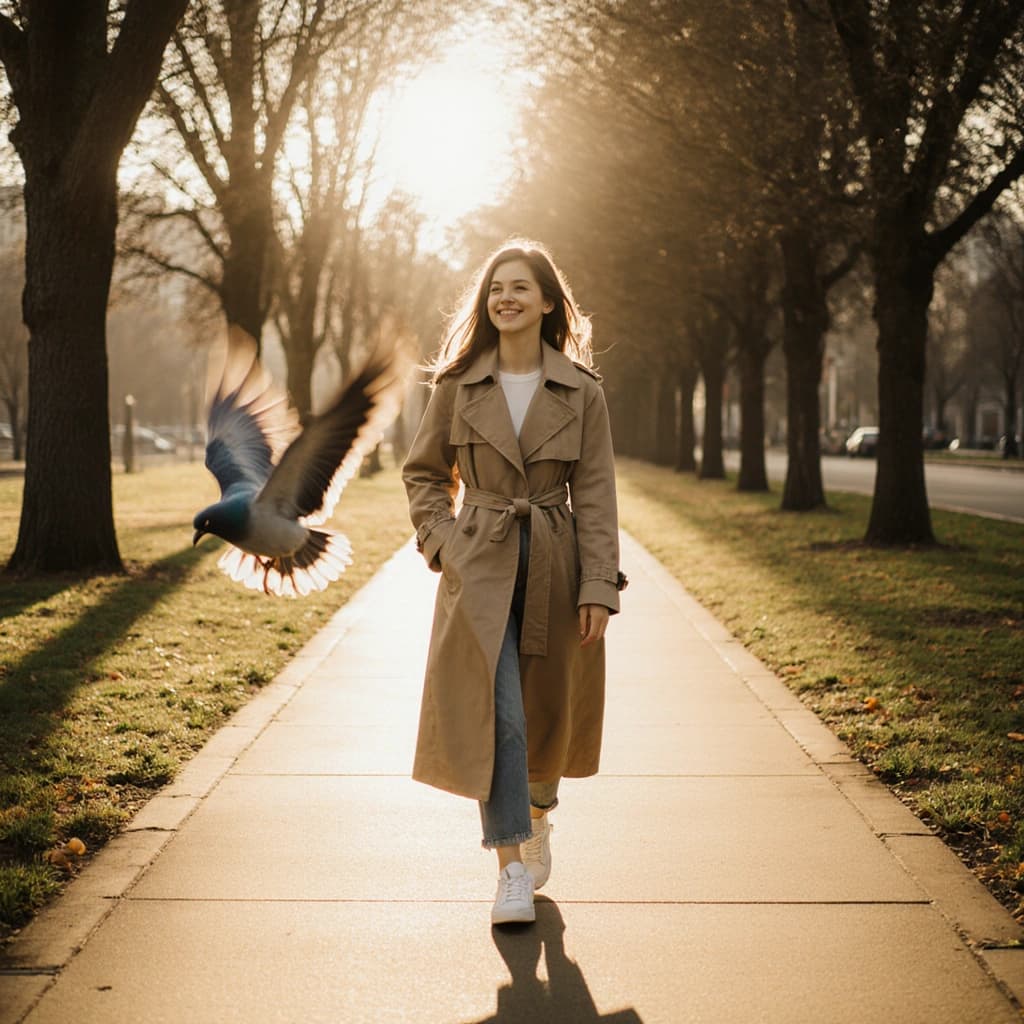
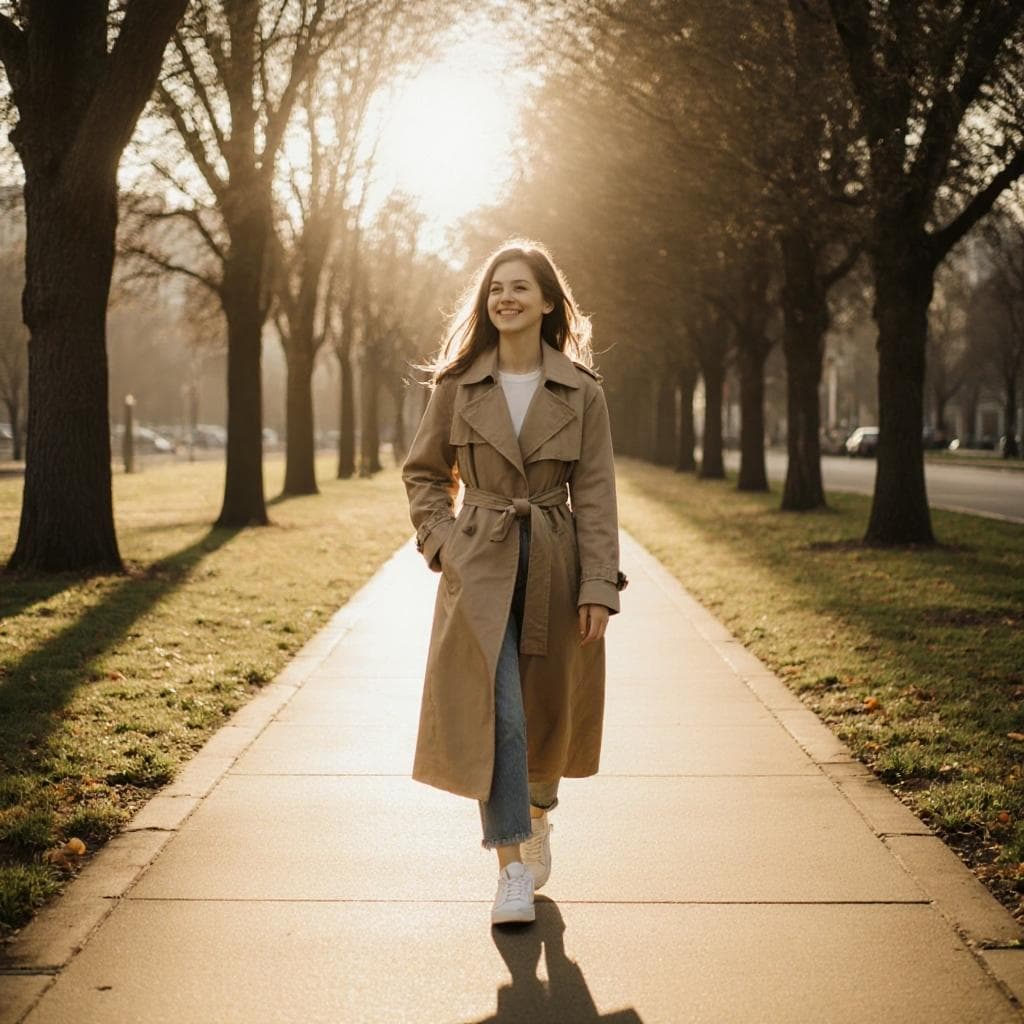
Magic Eraser
Instantly remove unwanted objects, people, or text without affecting the rest of your photo.
Try the Magic Eraser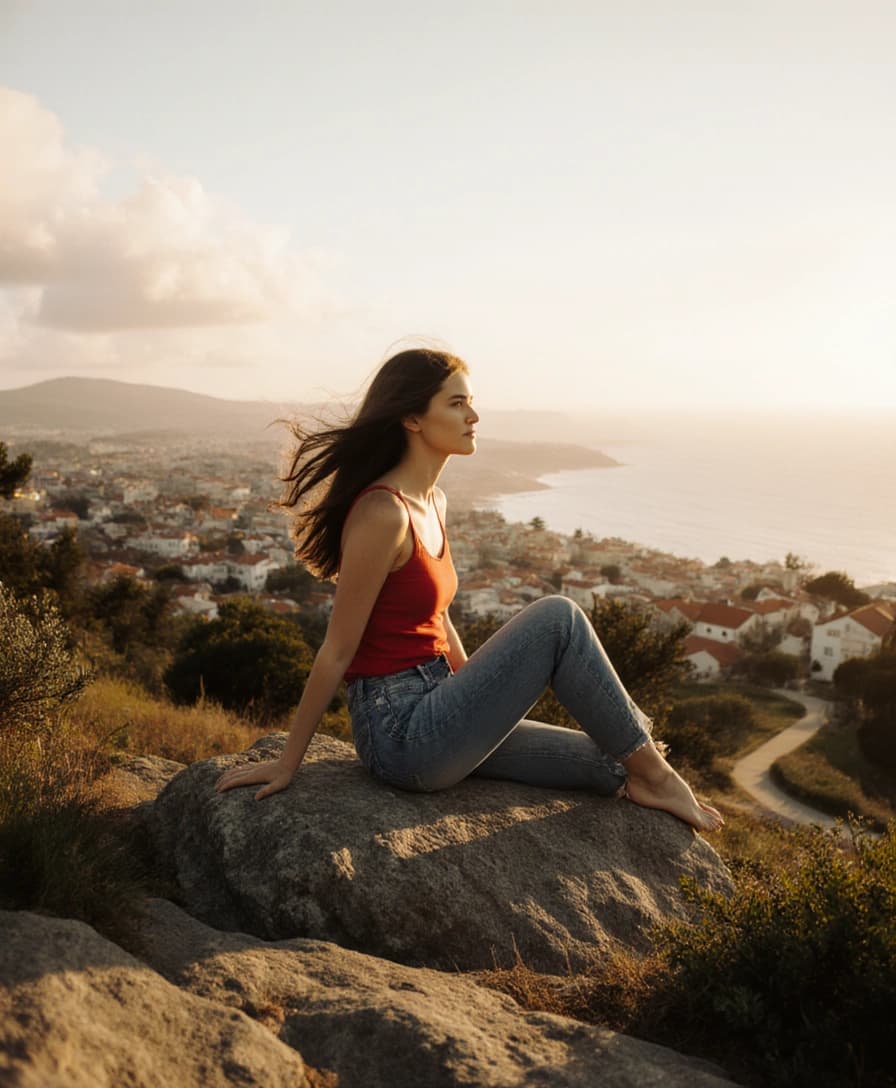
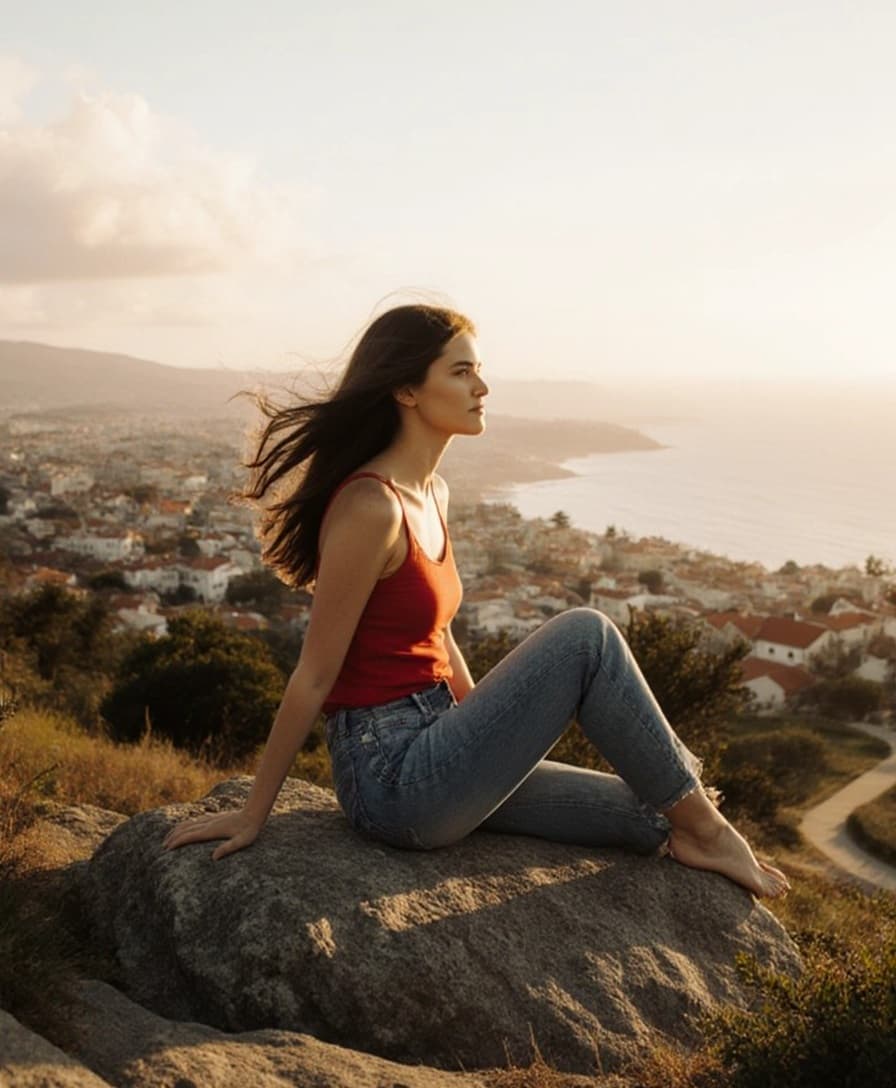
Image Extender
Add more context or detail to your photos by extending them horizontally or vertically.
Try the Image Extender
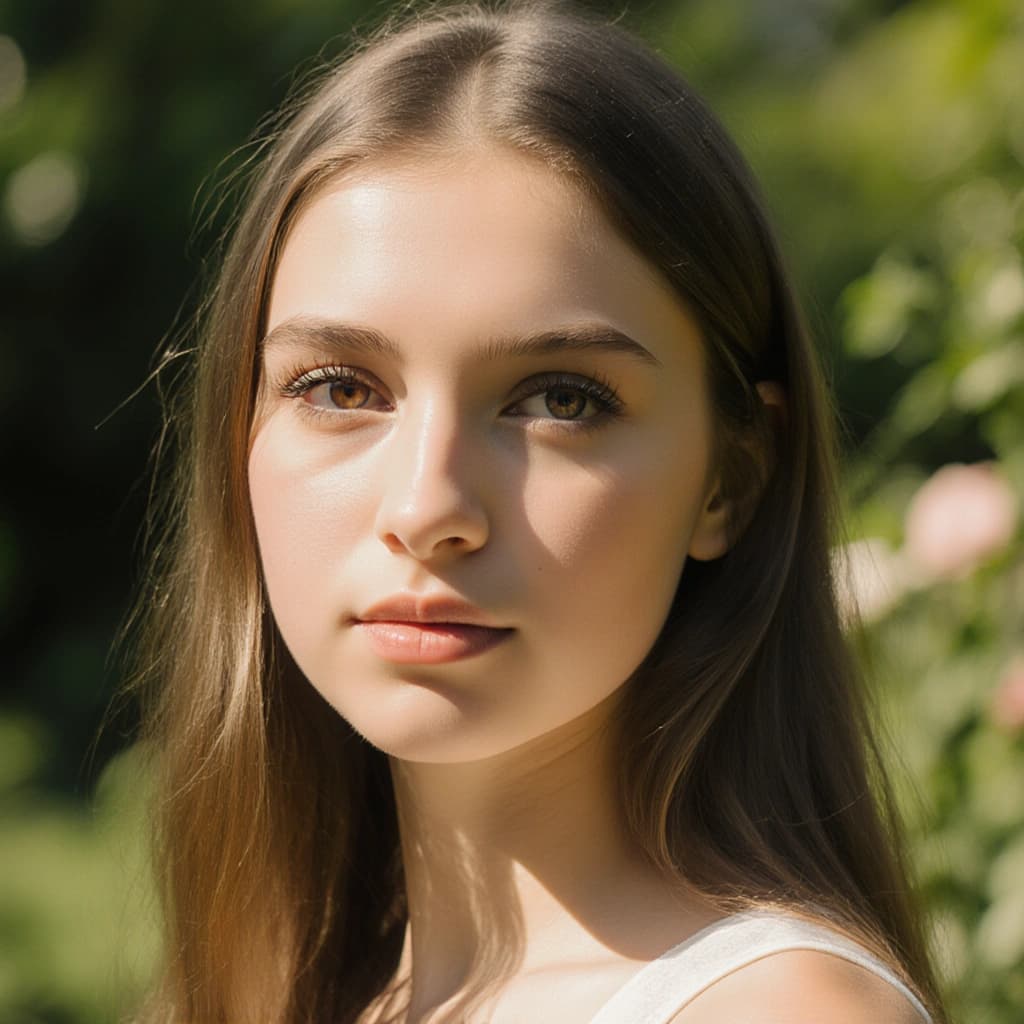
Unblur Image
Sharpen soft or unfocused images effortlessly. Whether it’s motion blur or poor lighting, this tool brings out detail and definition, making your photos pop with clarity and focus.
Try the Unblur ImageI had a distracting object in the background of my photo, and the Magic Eraser took care of it instantly. I didn't have to mess around with anything-it just worked.
 Laura Mitchell
After downloading my headshots, I used the color correction tool to adjust the lighting a bit. It made the whole image feel more natural and polished.
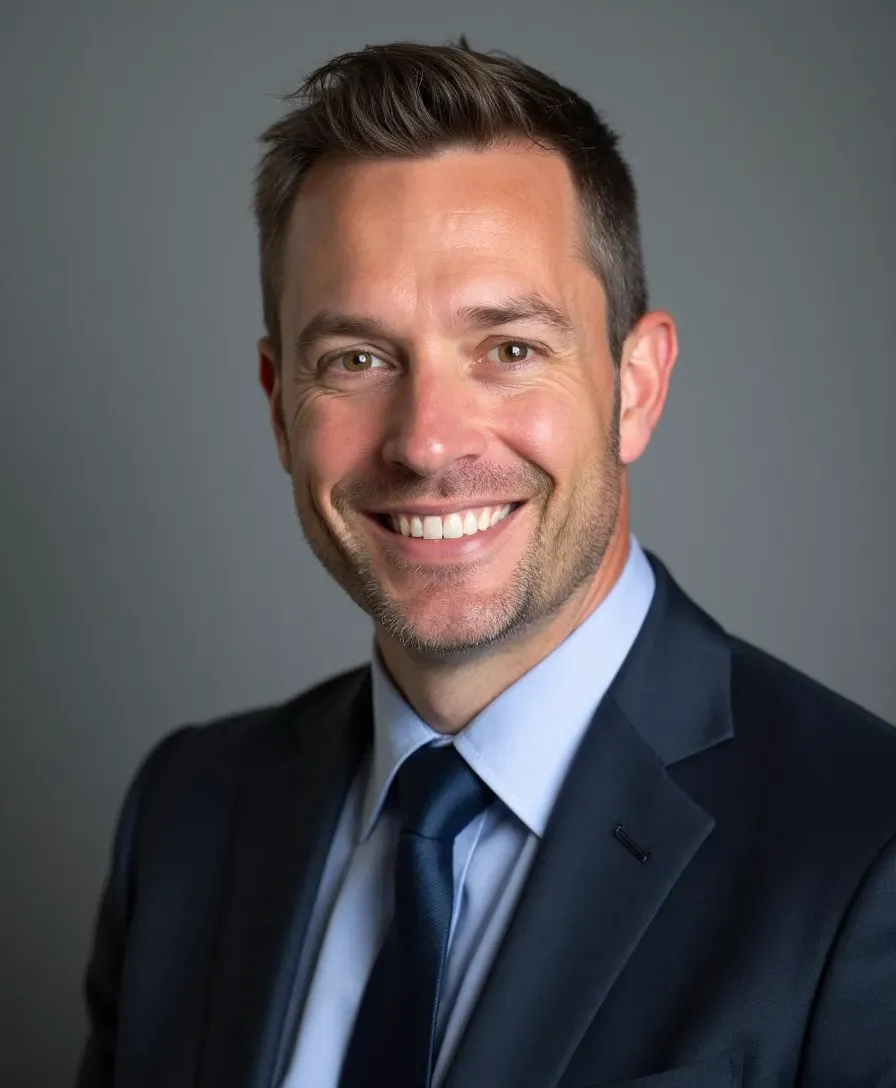 Ravi Deshmukh
I changed the background on my headshot to something lighter using their Background Changer. It completely elevated the look-super simple to do.
 Samantha Liu
One of the photos I uploaded was a little blurry, but their face restoration tool actually brought out the detail. Honestly saved me from having to take new ones.
 Nicolas Dupont
I went back to edit my headshot and switched out the background for something cleaner. It took less than a minute and looked really sharp.
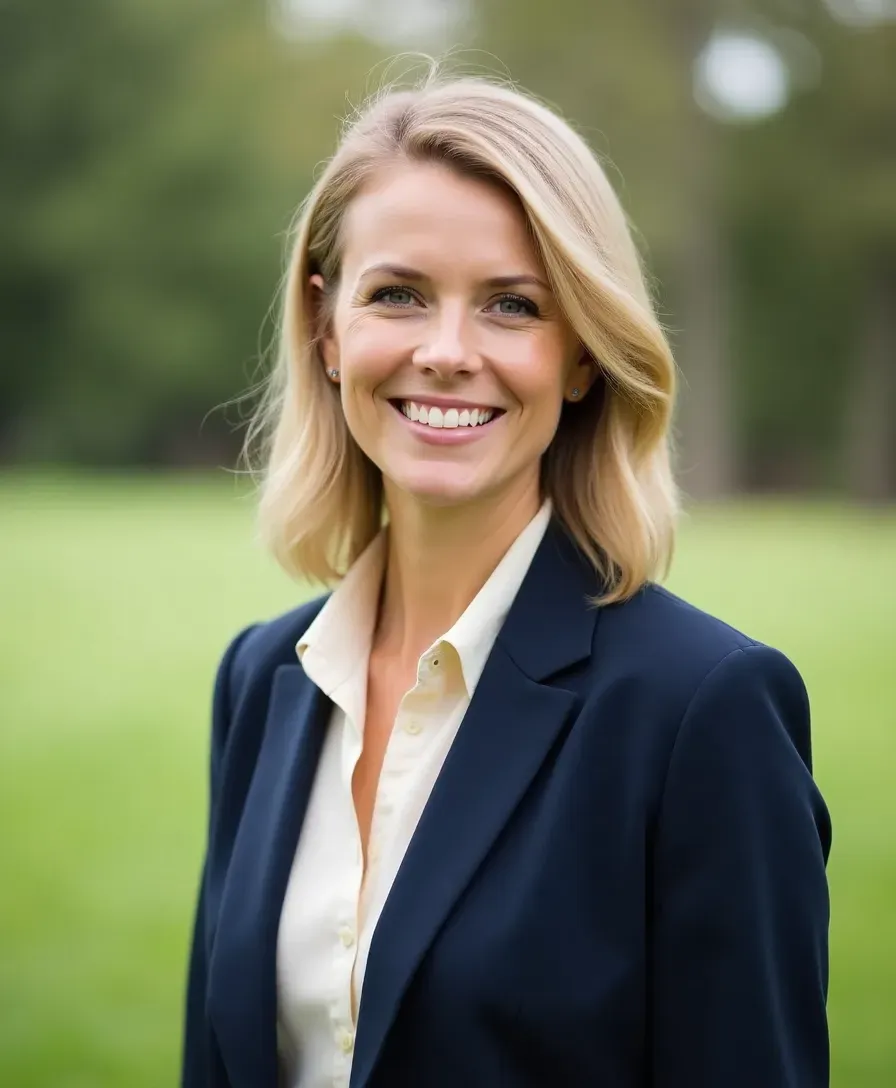 Isabel Santos
I had a couple of small spots I wanted to touch up, and the blemish remover did the trick. It looked natural, not overly filtered, which I appreciated.
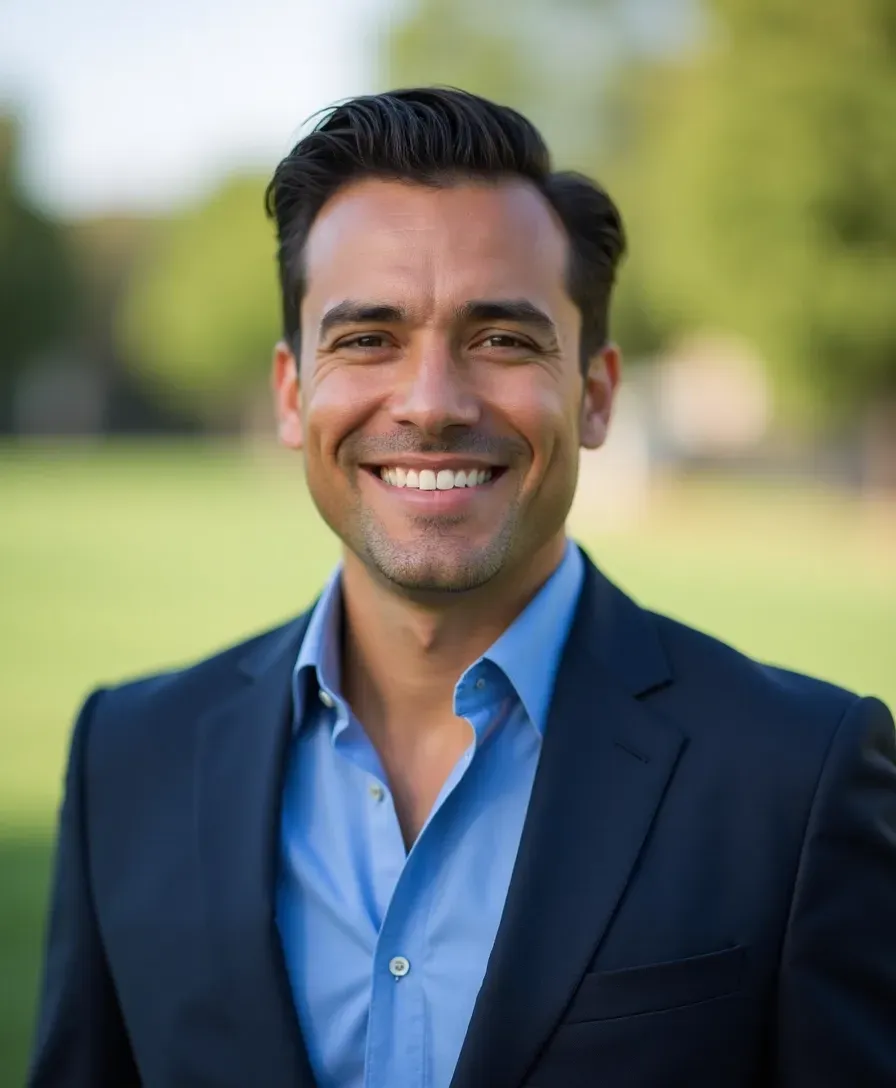 David Wong
One of my photos came out slightly soft, but the unblur tool fixed it right up. The difference was subtle but made it feel more professional.
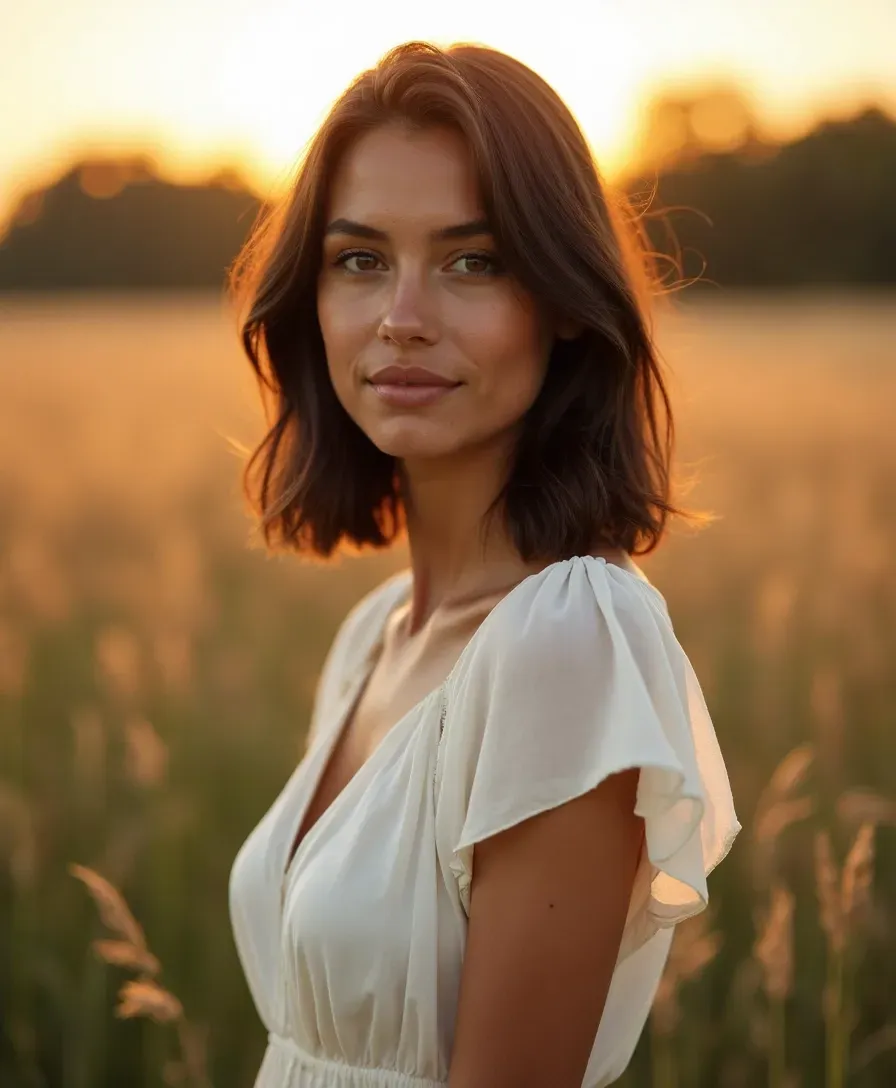 Liam Carter
I had this older photo I still liked, but it wasn't super sharp. The face restoration tool brought it back to life-it looked surprisingly crisp after.
 Hannah Green
There was a weird shadow on the wall in one of my headshots. I used the Magic Eraser and it was gone in a second. Super helpful.
 Omar Khalid
I wasn't loving the lighting in one of my shots, so I tried the color correction. It helped a lot-looked brighter and more natural.
 Sofia Novak
Needed more space around the edges of my photo for a layout, and the image extender gave me exactly that. Didn't distort anything, either.
 Jason Reed
I used the blemish tool to clean up a couple of things on my skin. It was really subtle, which I loved-just made me look a bit fresher.
 Priya Menon
I had a distracting object in the background of my photo, and the Magic Eraser took care of it instantly. I didn't have to mess around with anything-it just worked.
Laura MitchellAfter downloading my headshots, I used the color correction tool to adjust the lighting a bit. It made the whole image feel more natural and polished.
Ravi DeshmukhI changed the background on my headshot to something lighter using their Background Changer. It completely elevated the look-super simple to do.
Samantha LiuOne of the photos I uploaded was a little blurry, but their face restoration tool actually brought out the detail. Honestly saved me from having to take new ones.
Nicolas DupontI went back to edit my headshot and switched out the background for something cleaner. It took less than a minute and looked really sharp.
Isabel SantosI had a couple of small spots I wanted to touch up, and the blemish remover did the trick. It looked natural, not overly filtered, which I appreciated.
David WongOne of my photos came out slightly soft, but the unblur tool fixed it right up. The difference was subtle but made it feel more professional.
Liam CarterI had this older photo I still liked, but it wasn't super sharp. The face restoration tool brought it back to life-it looked surprisingly crisp after.
Hannah GreenDiscover More AI Photo Editing Tools
Take your photos to the next level with our smart, easy to use editing tools designed to enhance every detail.

Got a Question? We’re Here to Help Anytime
Your satisfaction is our top priority. If you don’t find the answer here, our support team is always ready to help you get the most out of this tool.