User profile icon with scanner frame
HEADSHOT.AIHEADSHOT.AI
  • Pricing
  • Reviews
Create My Headshots Now
💙 THE #1 RANKED AI PHOTO EDITOR

Fix Blurry Photos Instantly with Our AI Blur Remover

Turn blurry photos into clear ones in seconds. Our AI-powered tool removes blur, sharpens details, and enhances image quality - no editing skills required. Just upload and let the magic happen effortlessly.
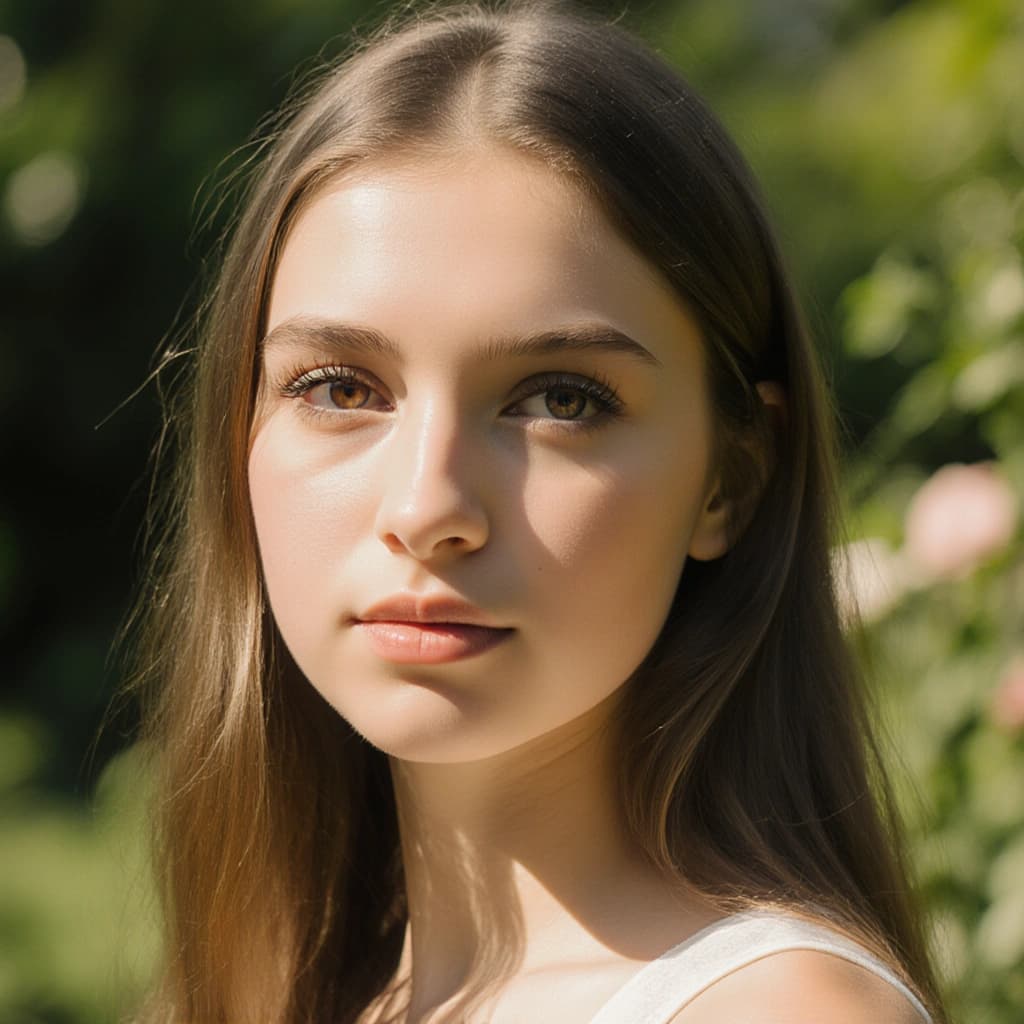
36,000+ Photos Unblurred
Instant Results
Privacy Protected
Any Photo
One Click
100% Guarantee

or drag and drop your photo

PNG, JPG, HEIC, WEBP up to 120MB

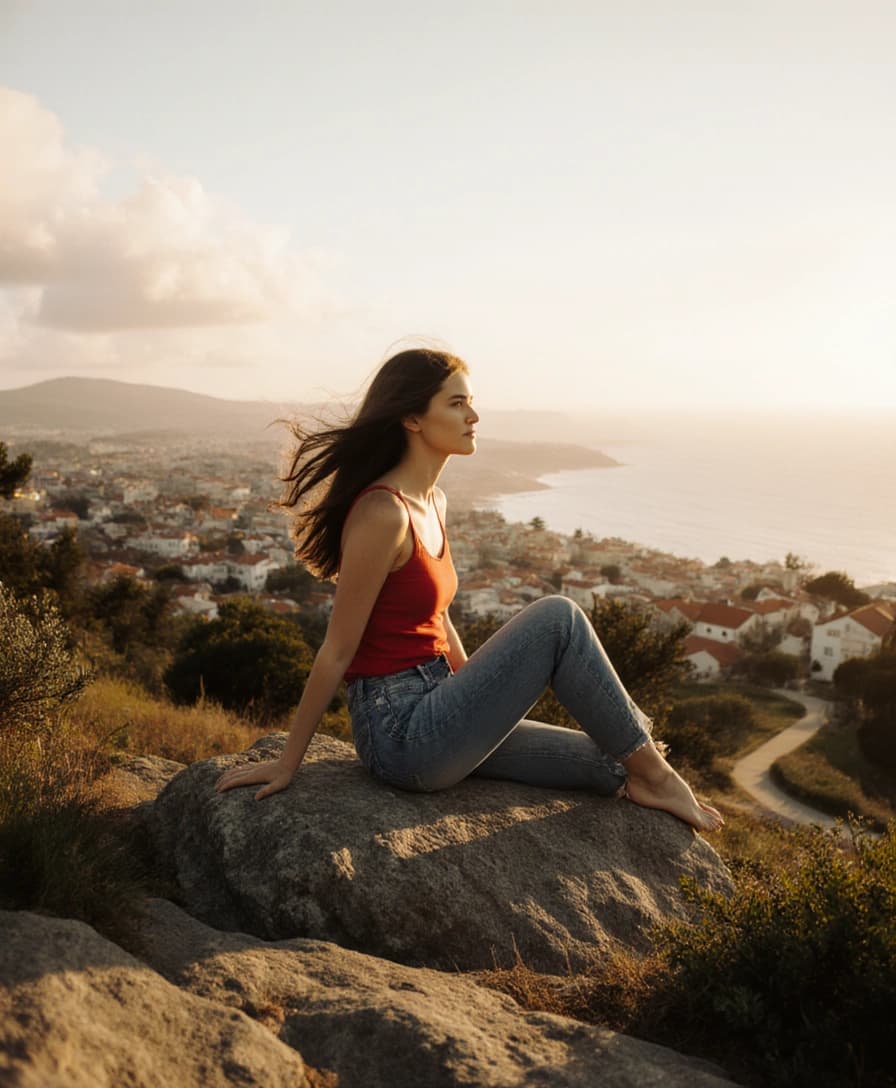
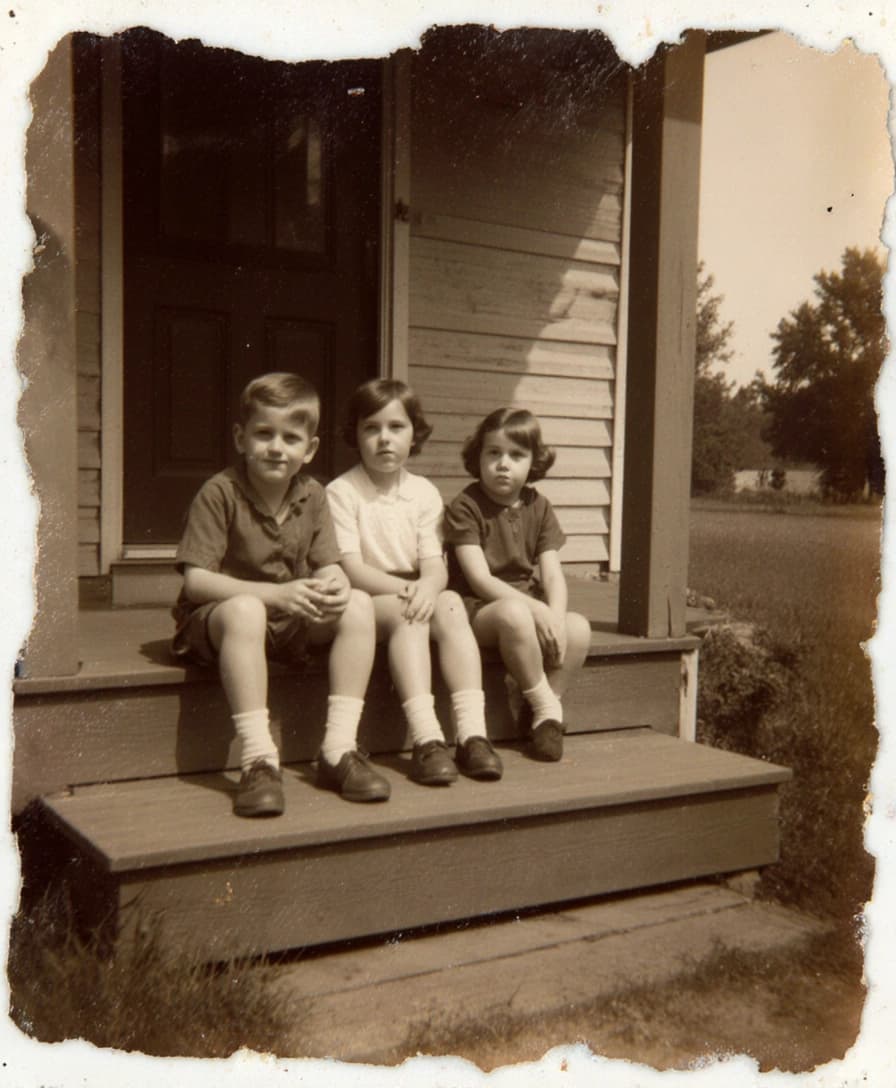
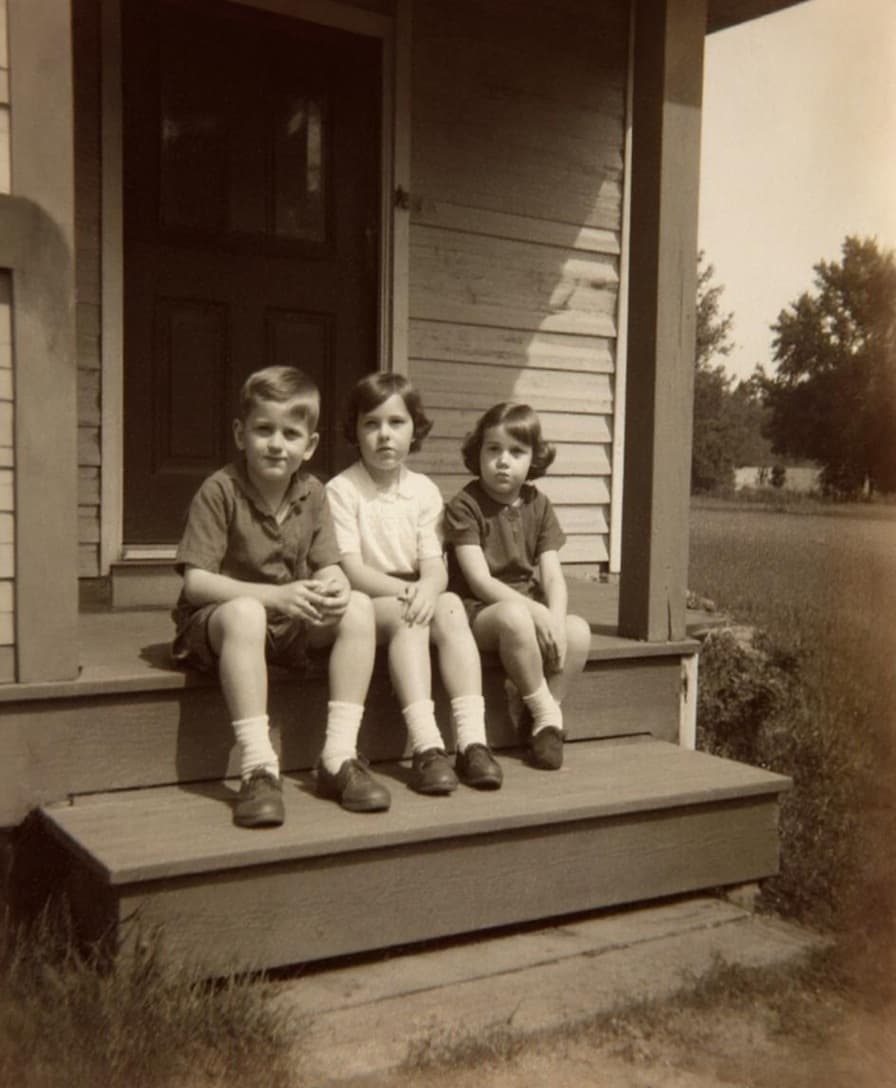
before
after

Trusted by Thousands of Creators Worldwide
How Does It Work?

It's as easy as 1-2-3!

1

Upload Your Image

Start by selecting a photo from your device. Our tool supports all major image formats and lets you upload multiple files at once. If you've already uploaded images to your account, simply choose one and click Unblur Image to begin the transformation.

2

Let the AI Work Its Magic

Within seconds, our advanced AI will analyze and sharpen your image - correcting blur from camera shake or poor focus. It restores fine details and turns unclear photos into sharp, professional-quality visuals. No manual editing needed.

3

Review & Download

Preview the enhanced result. Want to fine-tune it further? Use our built-in editing tools to enhance features, remove unwanted elements, or make other adjustments. When you're satisfied with the result, just download your newly improved image - it's that simple!

Why Choose Our AI Tool?
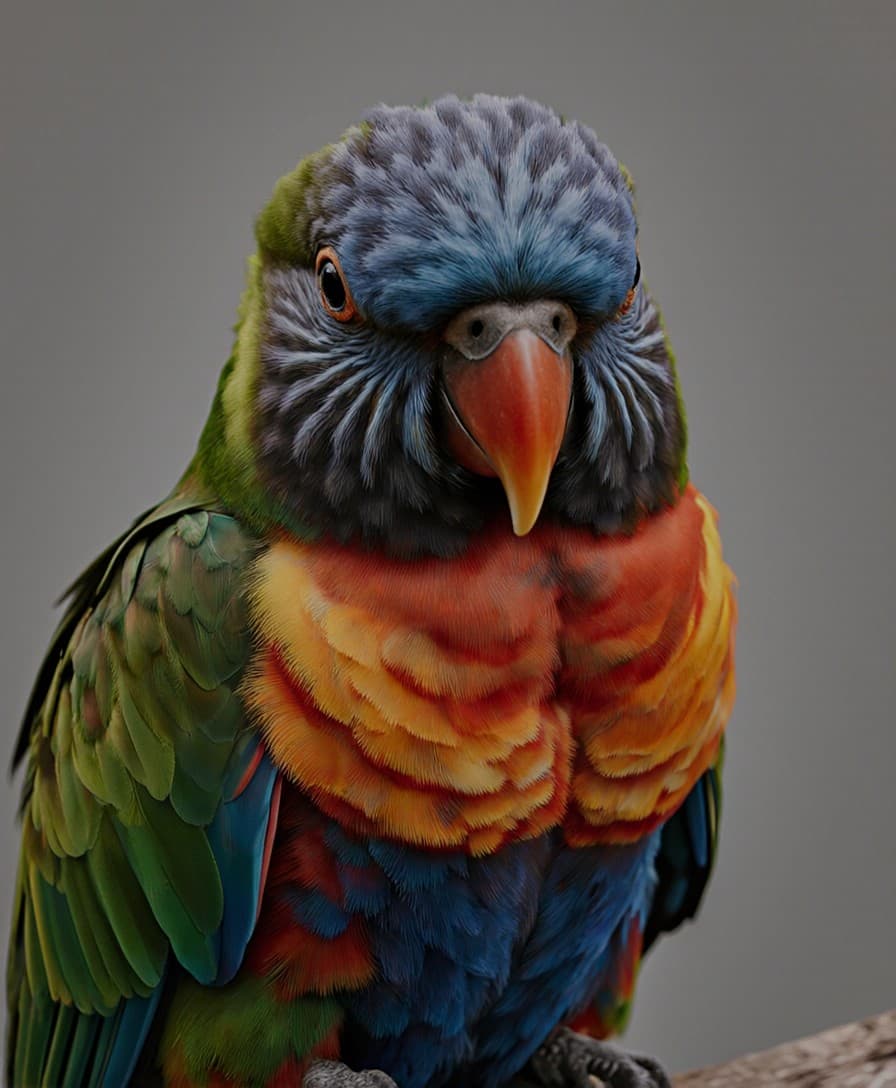
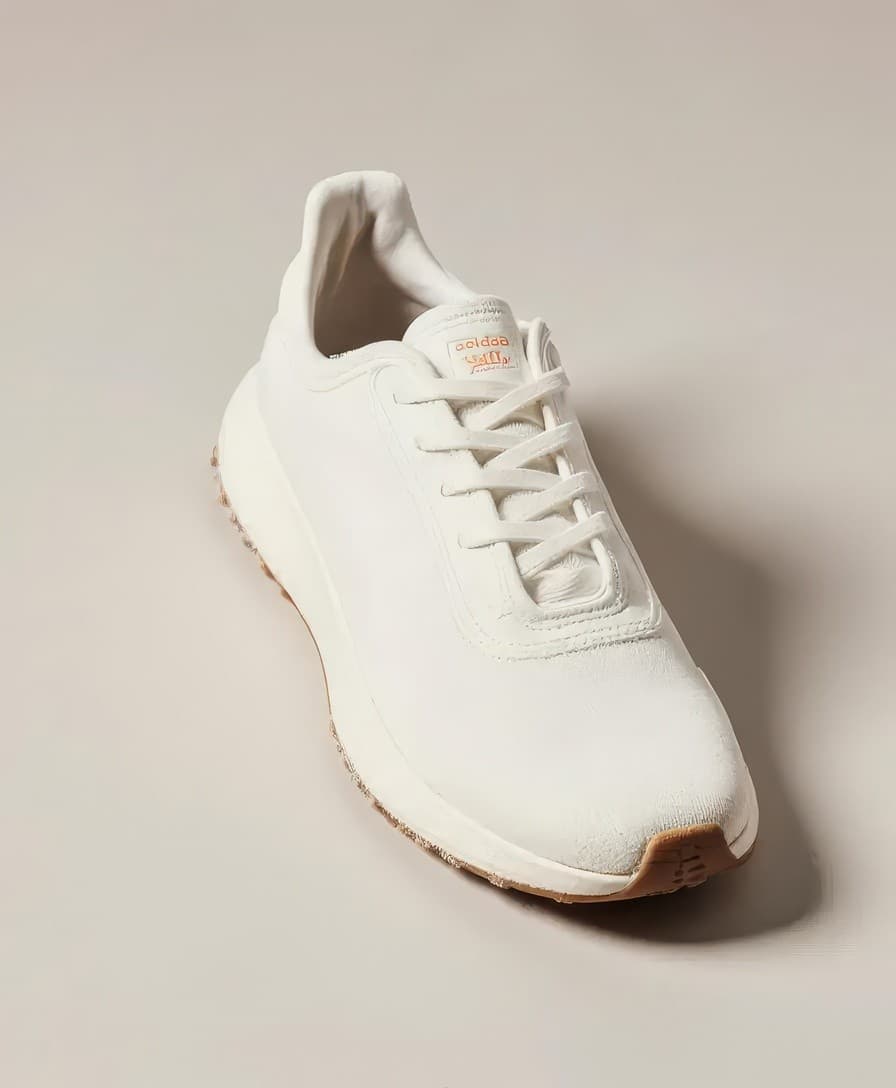
Before
before
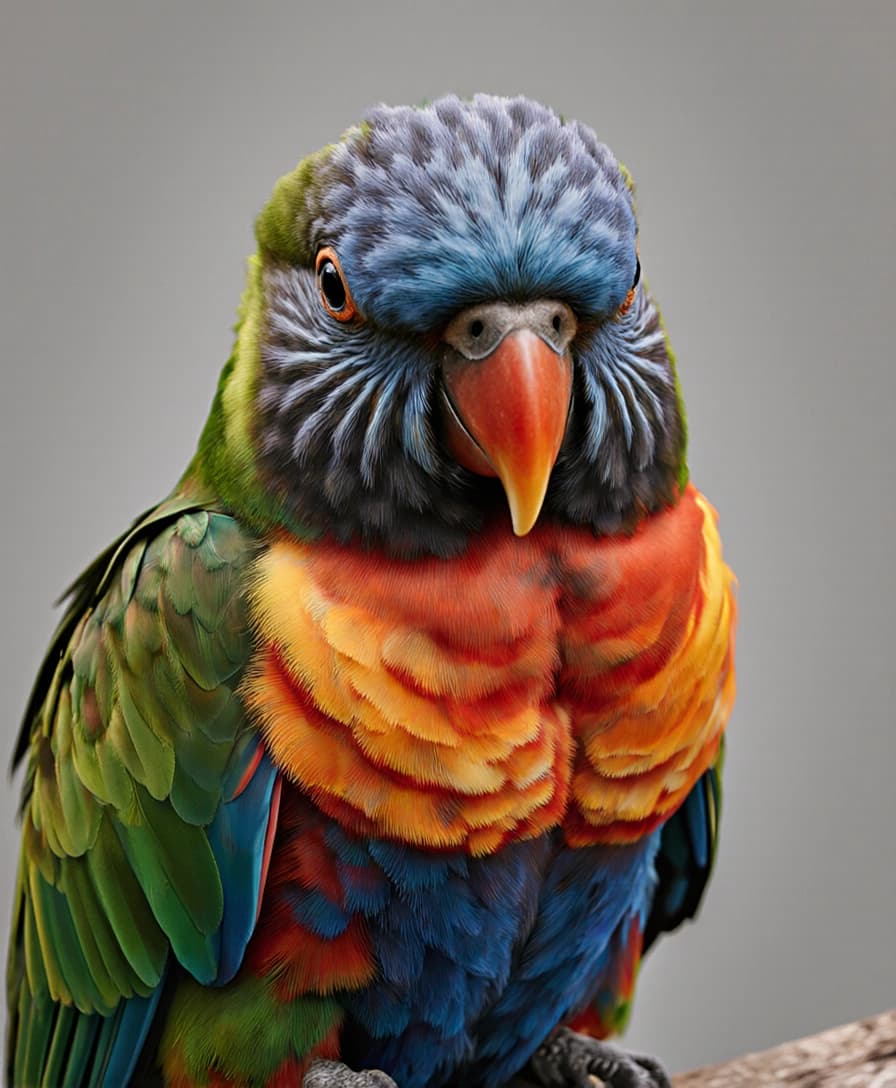
Afterafter

Restore Sharpness Instantly

No more blurry or pixelated images! Unlike traditional editing software that demands time and technical skill, our AI tool fixes blur in just one click. Upload your image and get a crisp, high-resolution result instantly.

Unblur My Image
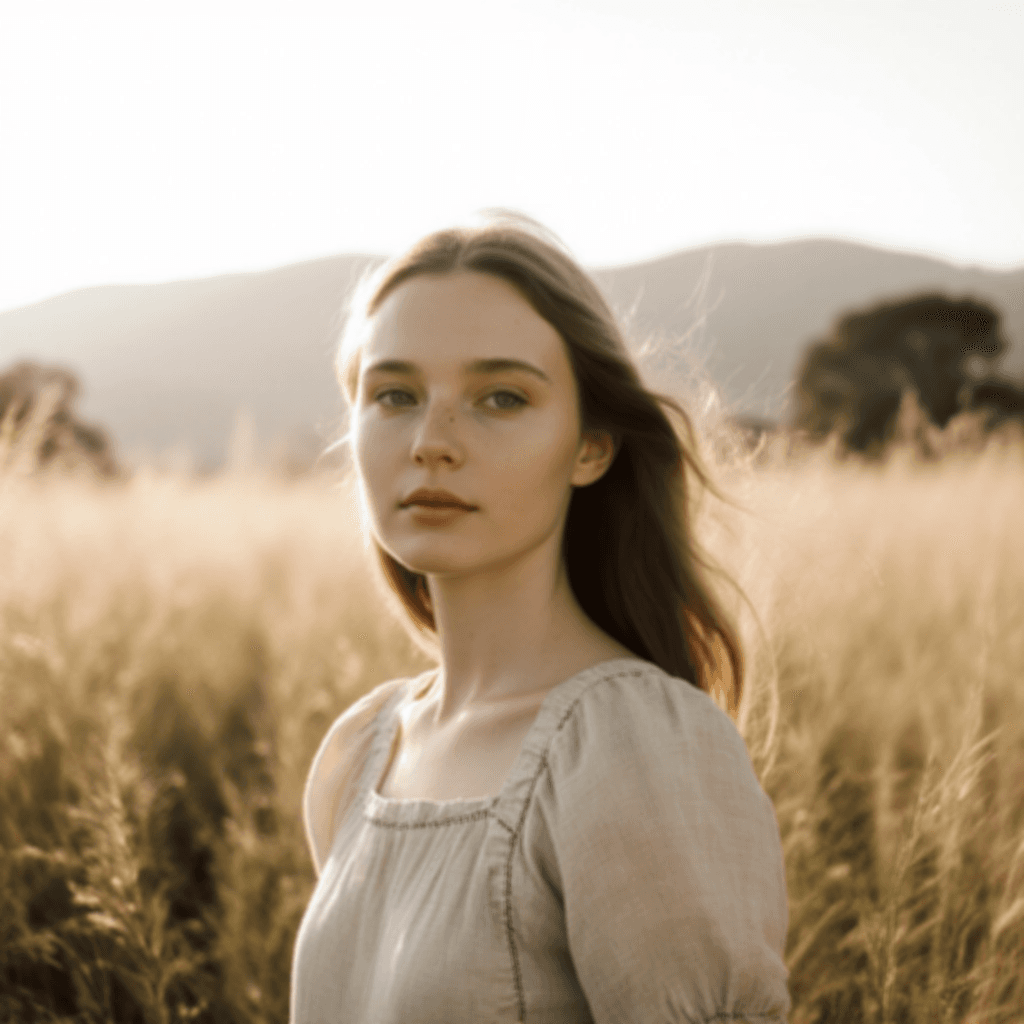
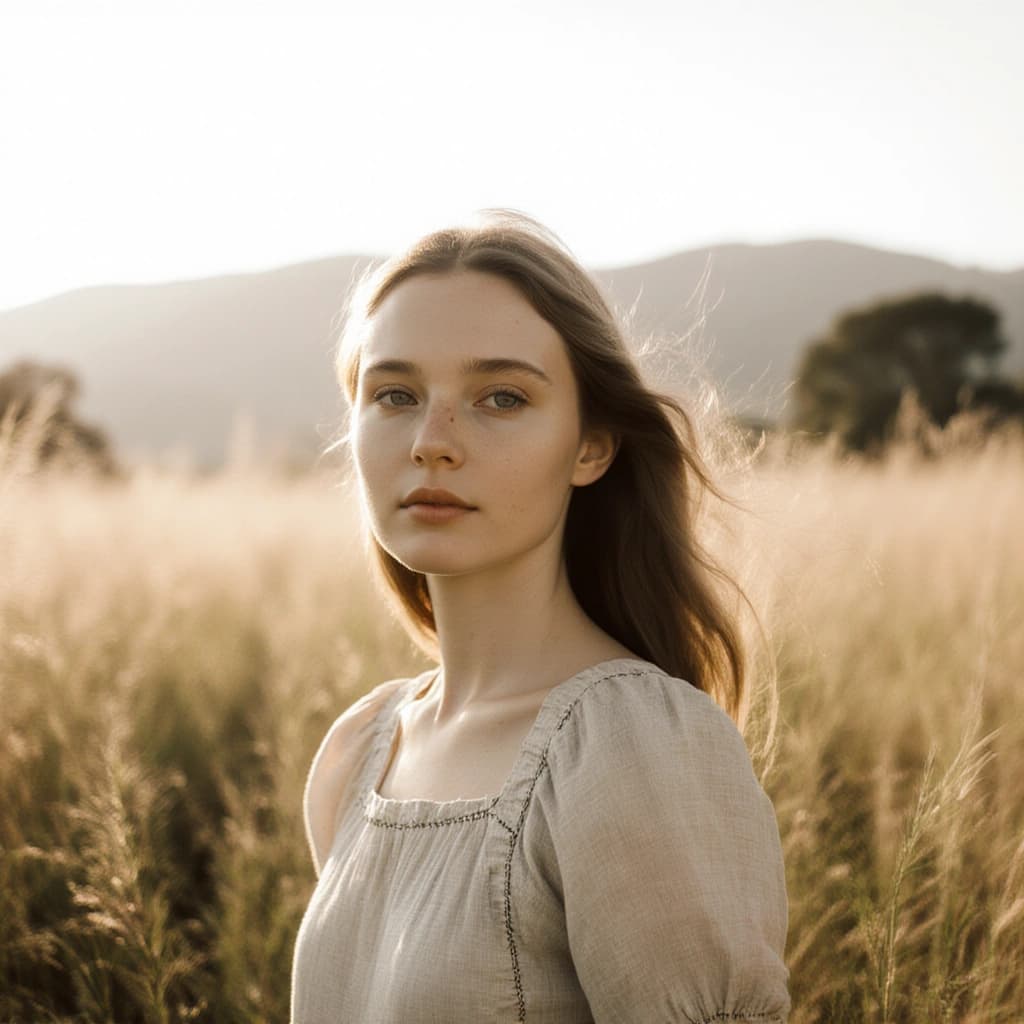
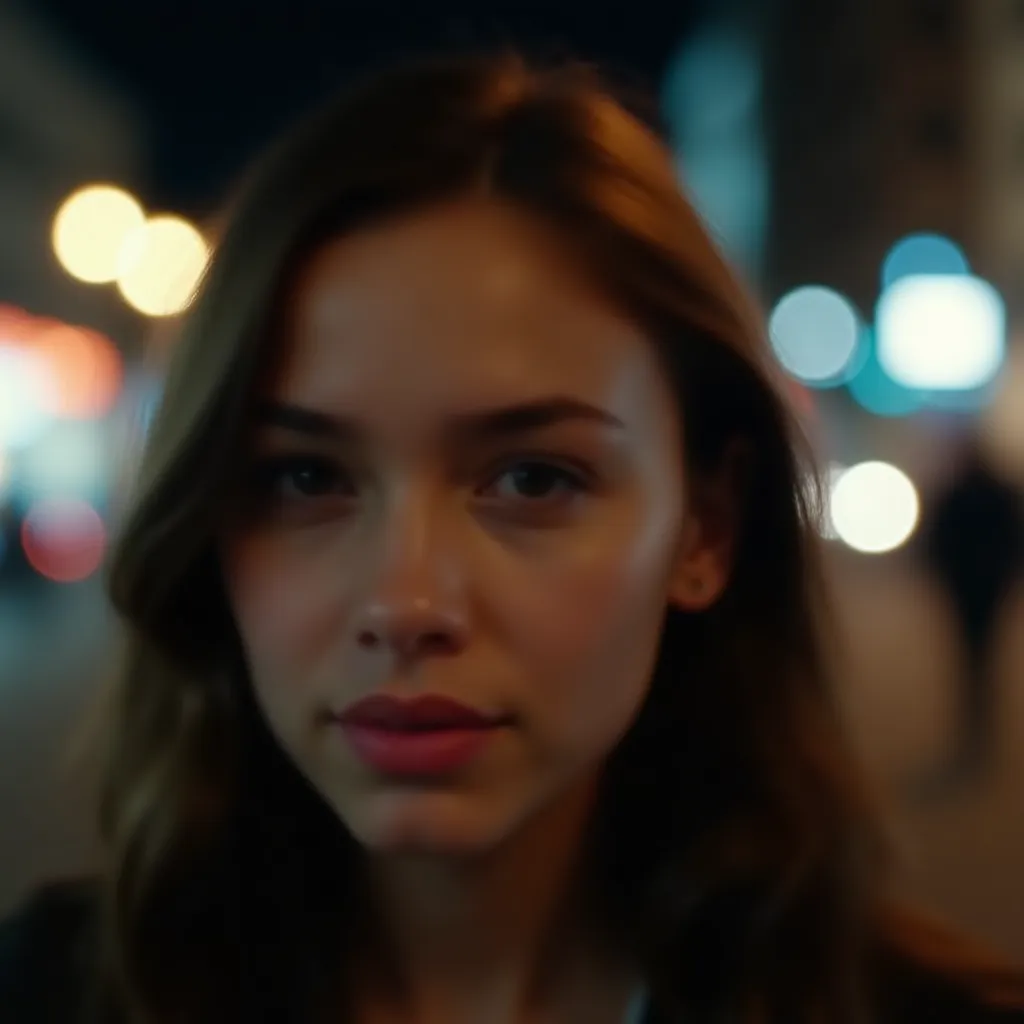
before
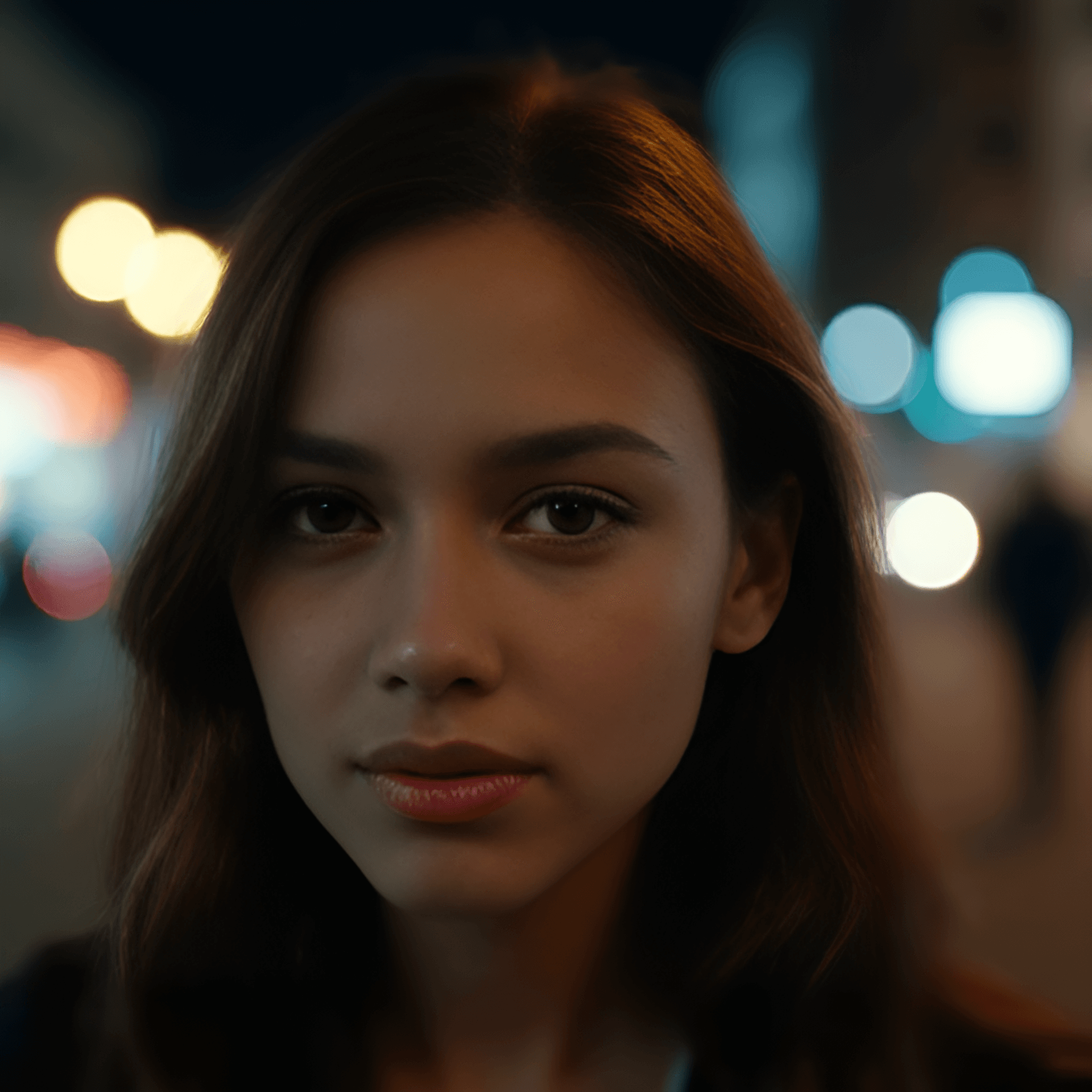
after

Reveal the True Quality

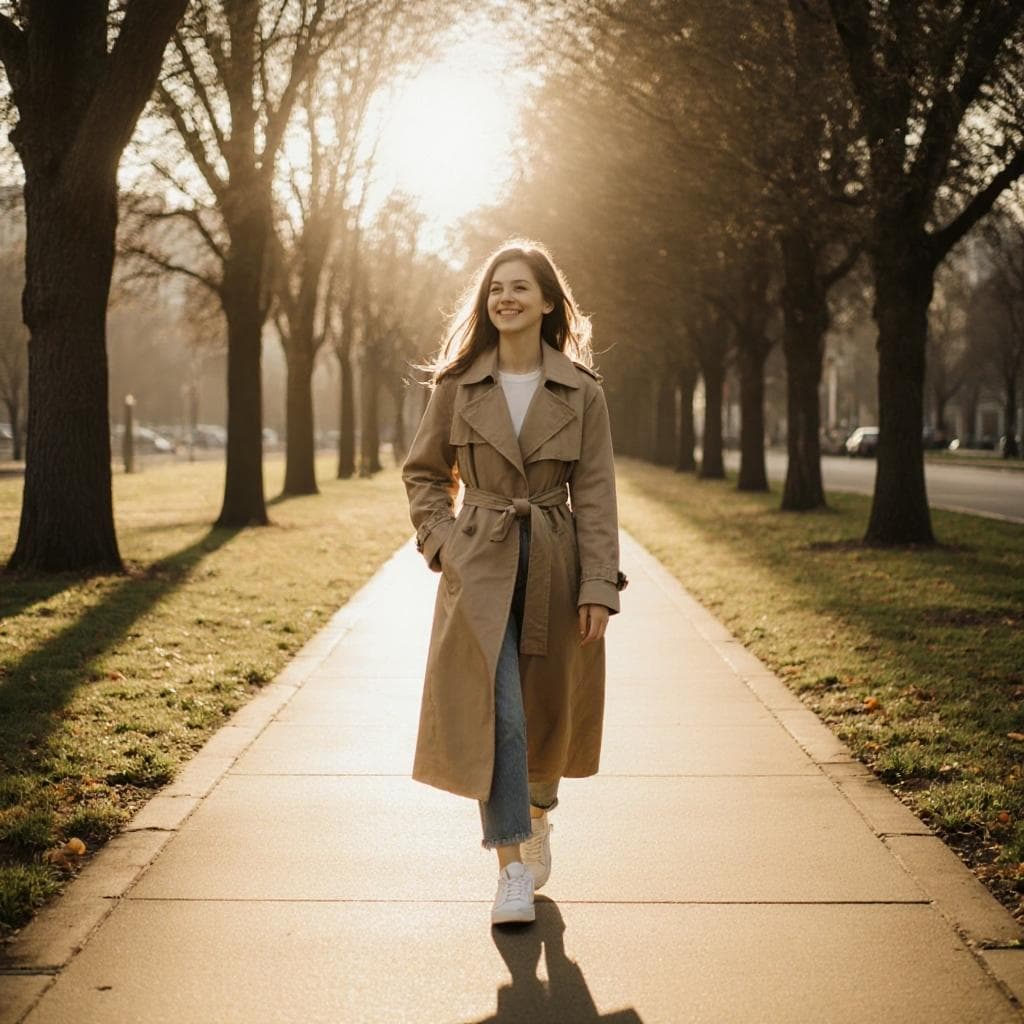
Struggling with soft or blurry portraits? Whether it's for a professional profile or a casual selfie, our AI restores natural sharpness to faces and backgrounds - so your photos look their absolute best.

Fix My Photo
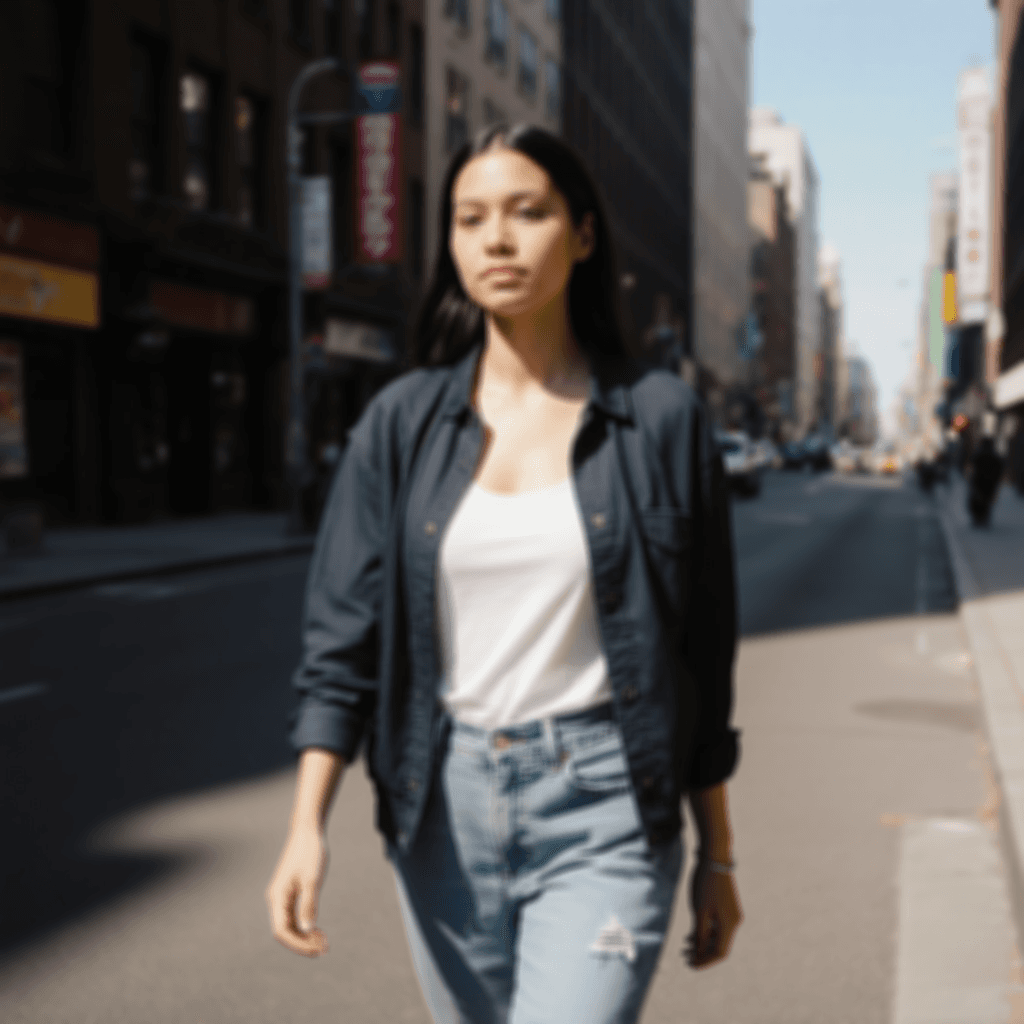
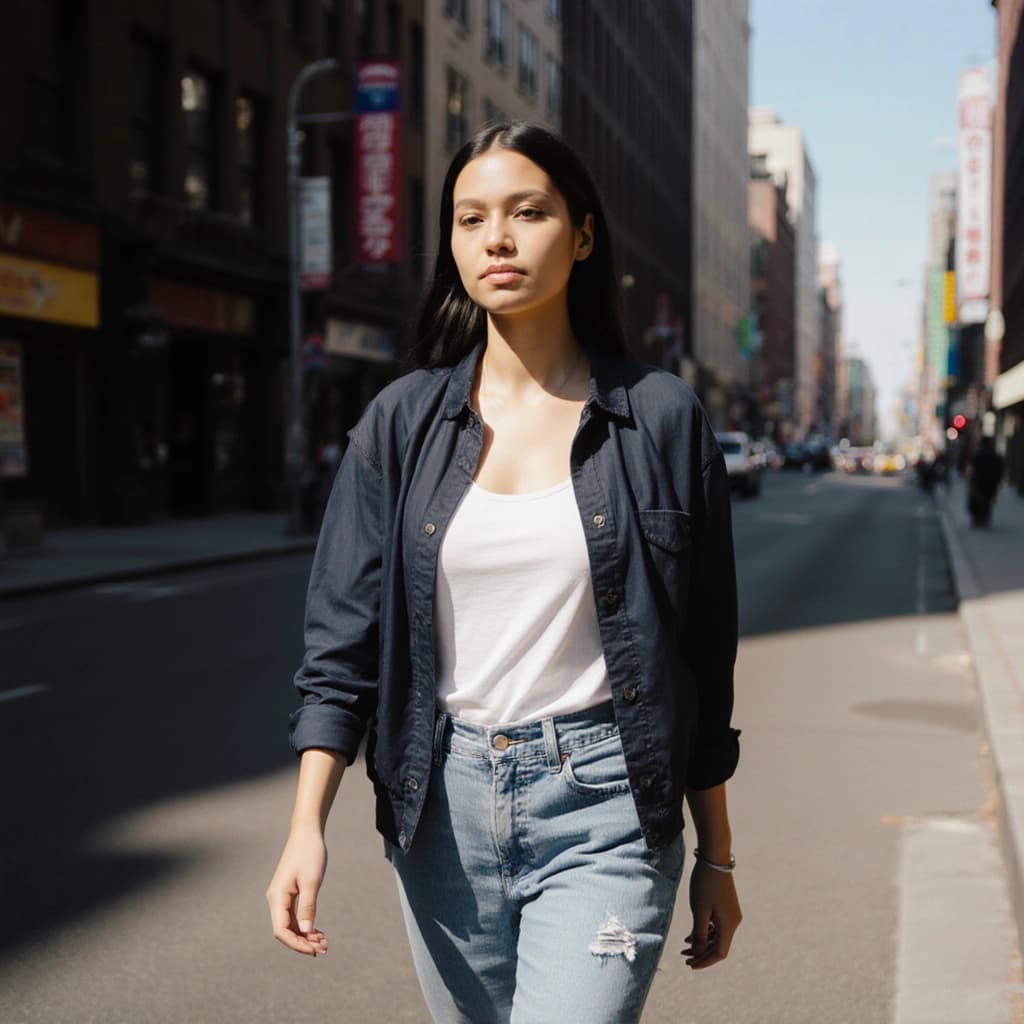
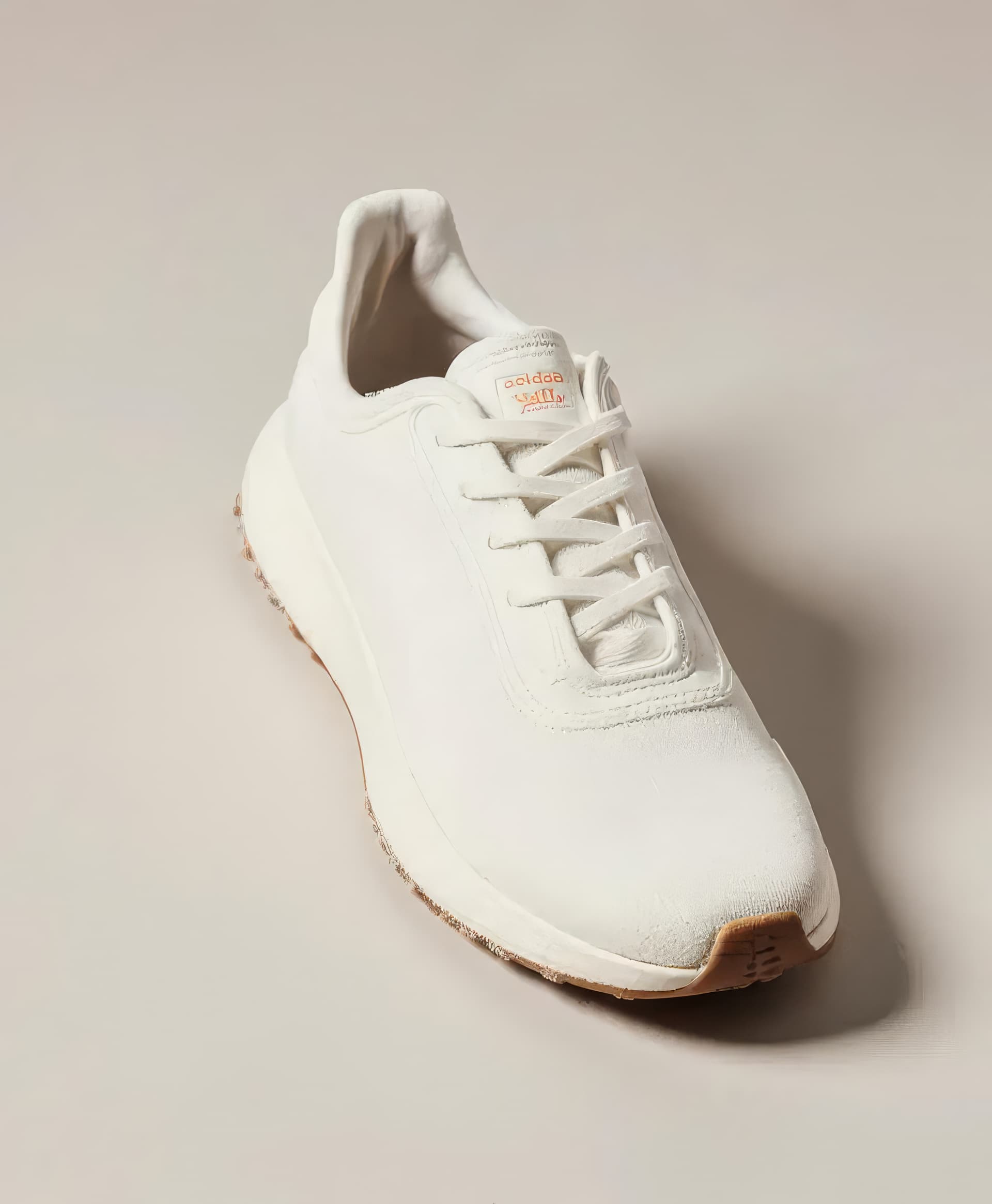
Before
before
Afterafter

Recover What Matters Most

Blurry shots happen - from camera shake, low light, or pixelation. Our AI restores fine details and clarity in seconds. Want more? Use built-in editing tools to swap backgrounds, remove distractions, and polish your photos to perfection.

Enhance Details

Top Use Cases for the AI Blur Remover

See how our AI-powered blur remover transforms blurry images across different scenarios. Click on each use case to explore real before-and-after examples.
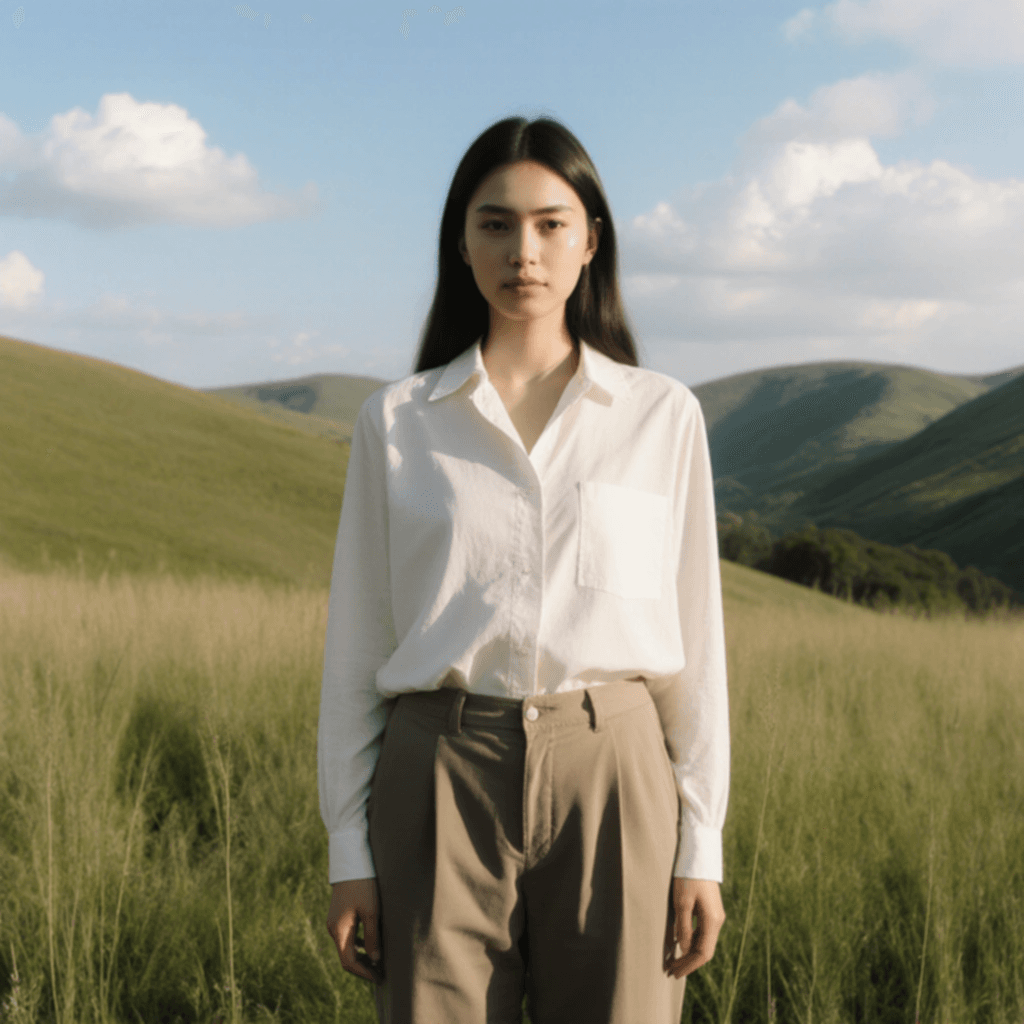
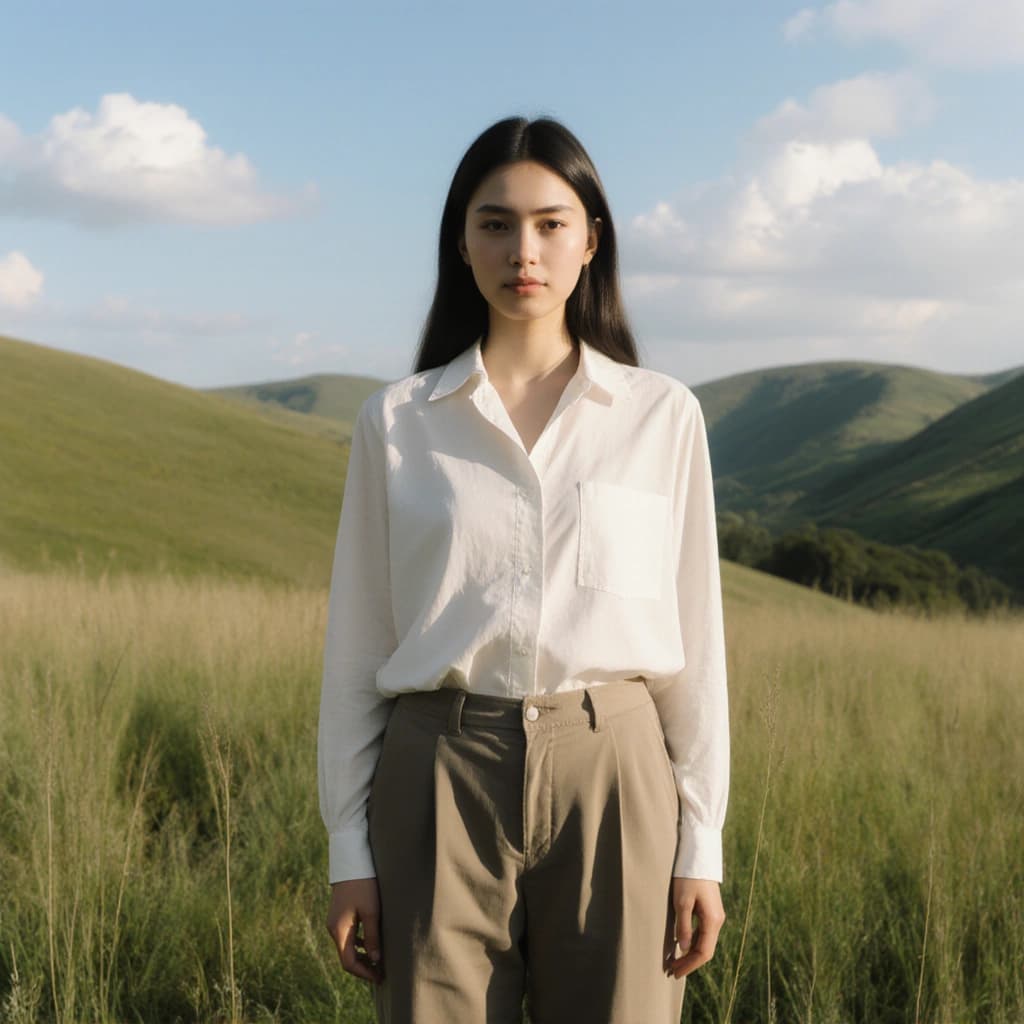
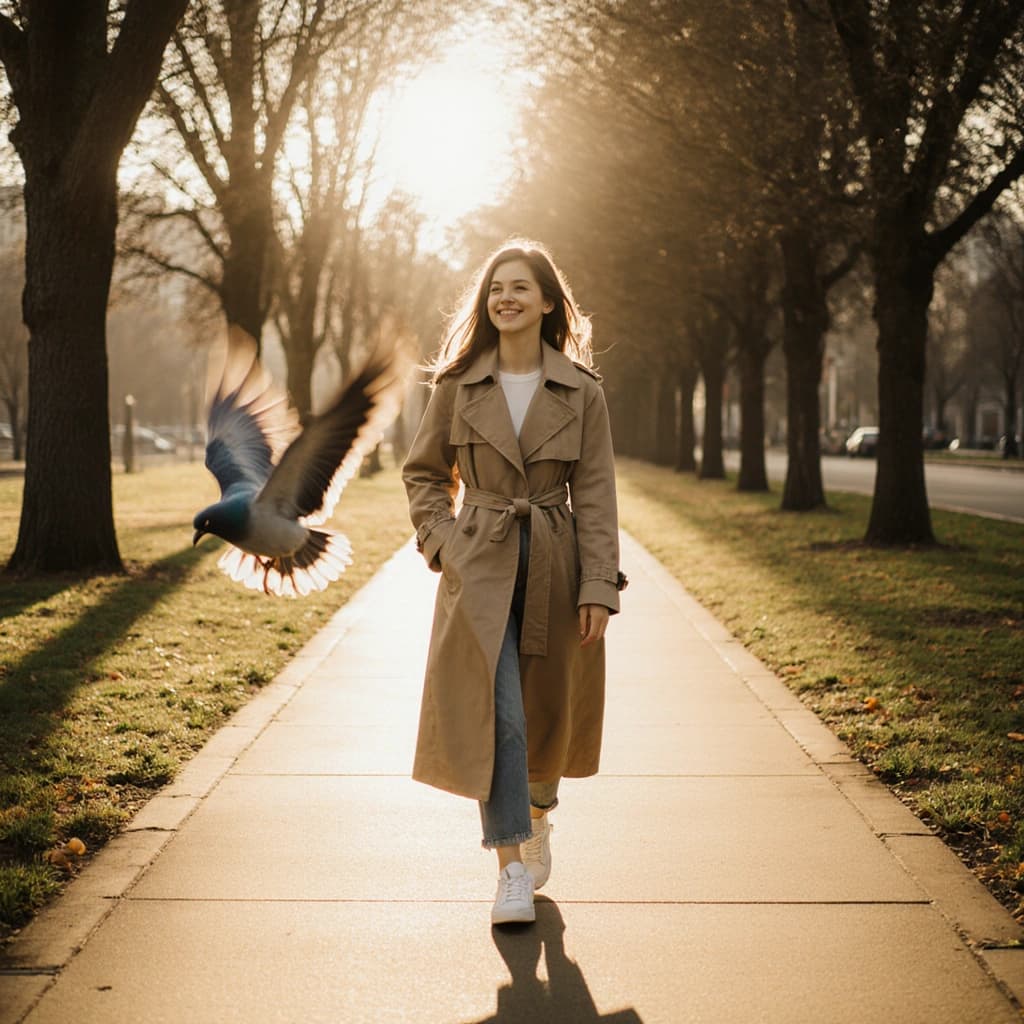
before
after

Portrait Photography

Not every photo turns out the way you hoped - especially when the camera shakes or focus slips. Whether it's a family picture, graduation shot, or a selfie, our blur remover tool helps you restore clarity and turn your portraits into polished, high-quality images instantly.

FREQUENTLY ASKED QUESTIONS

Got a Question? We’re Here to Help Anytime

Your satisfaction is our top priority. If you don’t find the answer here, our support team is always ready to help you get the most out of this tool.

Discover More AI Photo Editing Tools

Take your photos to the next level with our smart, easy to use editing tools designed to enhance every detail.
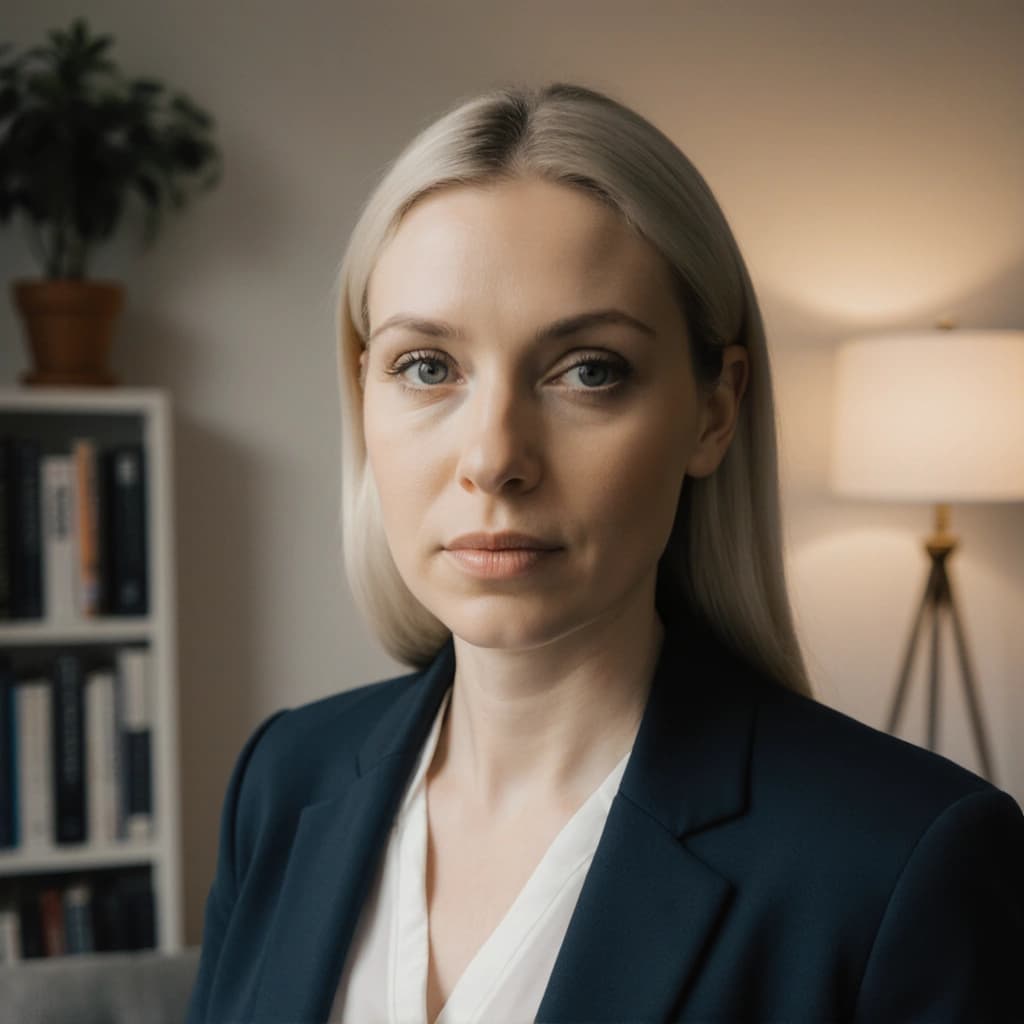
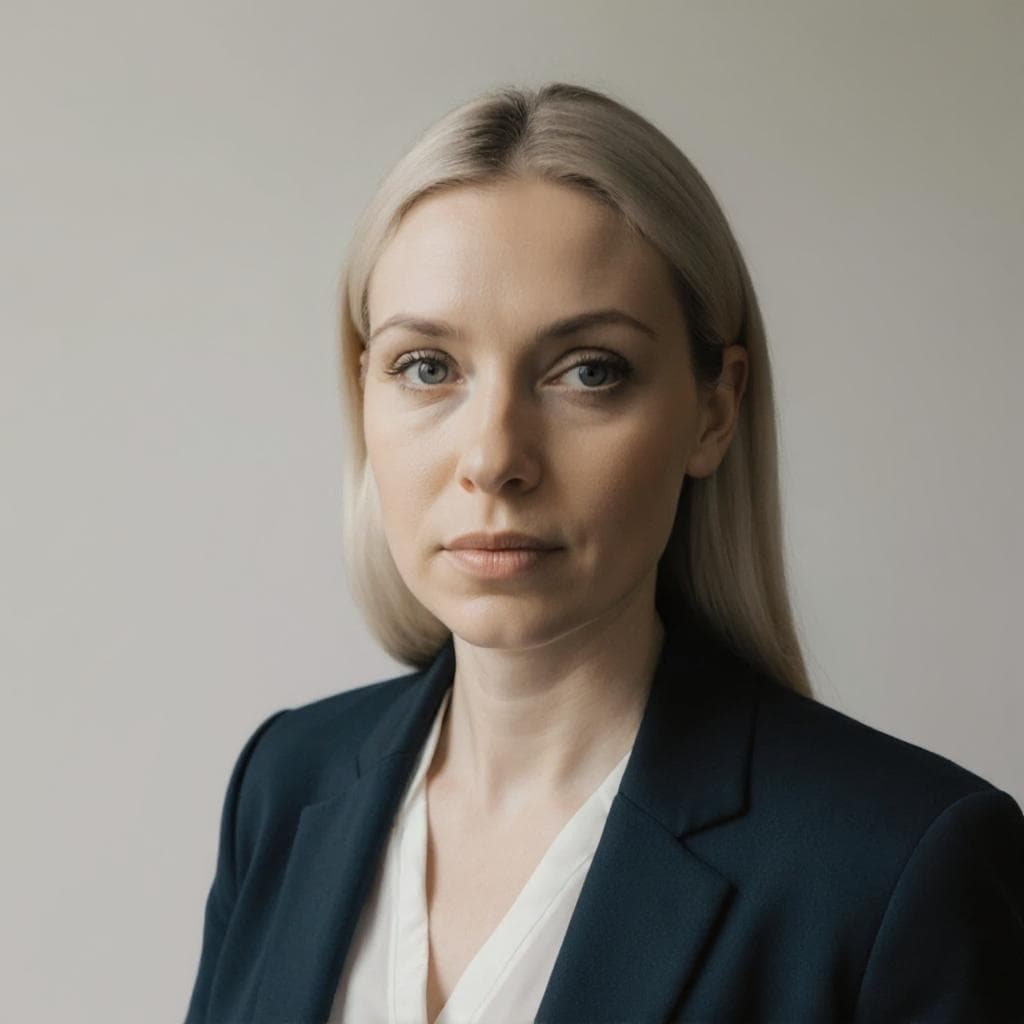
before
after

Background Changer

Change the background of your images to create the perfect backdrop.

before
after

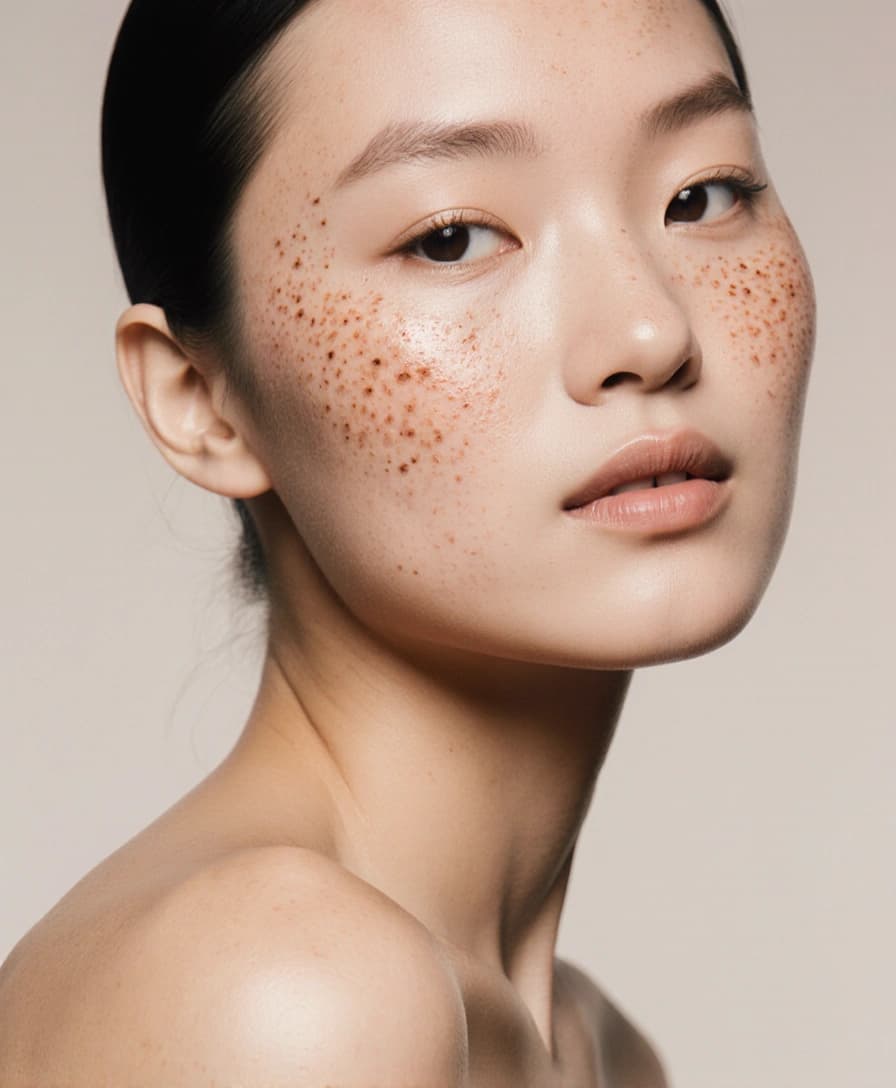
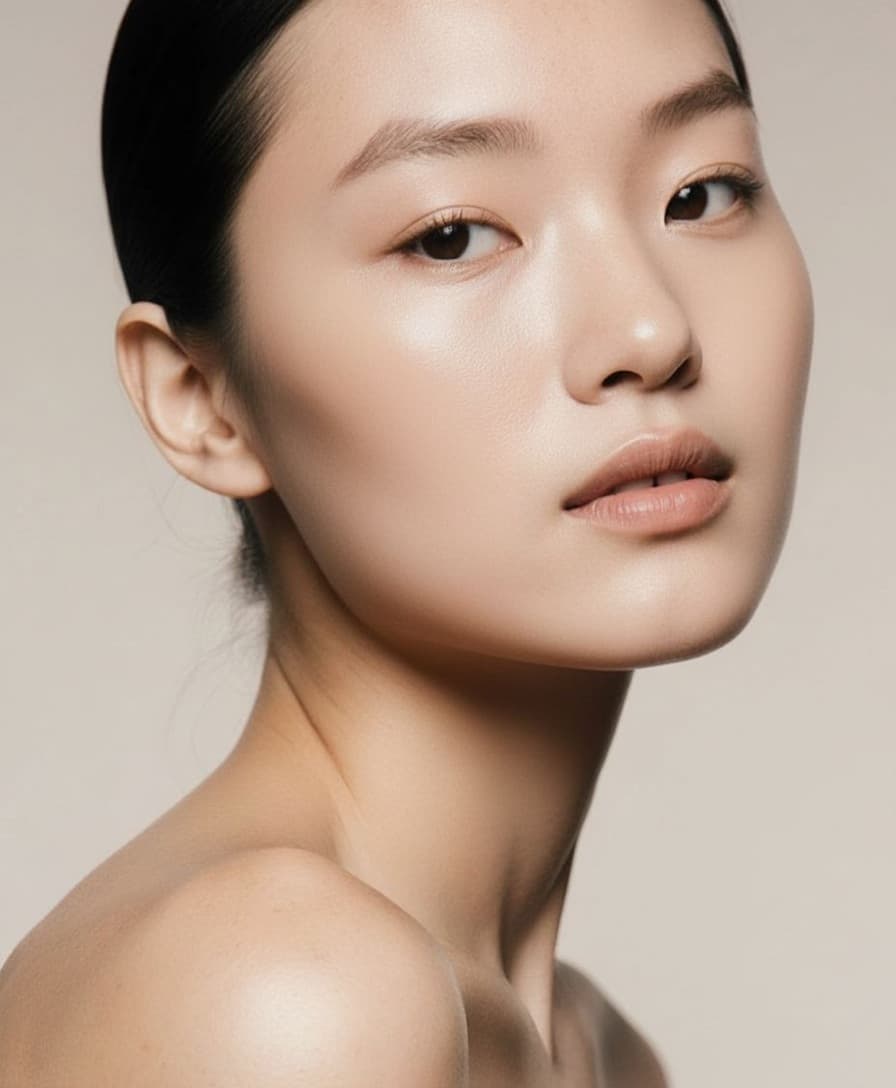
Blemish Remover

Erase acne, spots, or redness for smooth, natural-looking skin.

before
after

Color Correction

Fix tones, lighting, and exposure to restore vibrant, balanced colors.

before
after

Face Restoration

Repair blurry or low-quality faces to bring back clear details.

before
after

Image Extender

Expand your photo's frame to fix awkward crops or fit any layout.

before
after

Image Upscaler

Instantly boost resolution for sharper, high-quality images.

before
after

Magic Eraser

Remove unwanted objects, people, or distractions with one click.

before
after

Photo Restoration

Revive old, faded, or damaged photos and restore their charm.

before
after

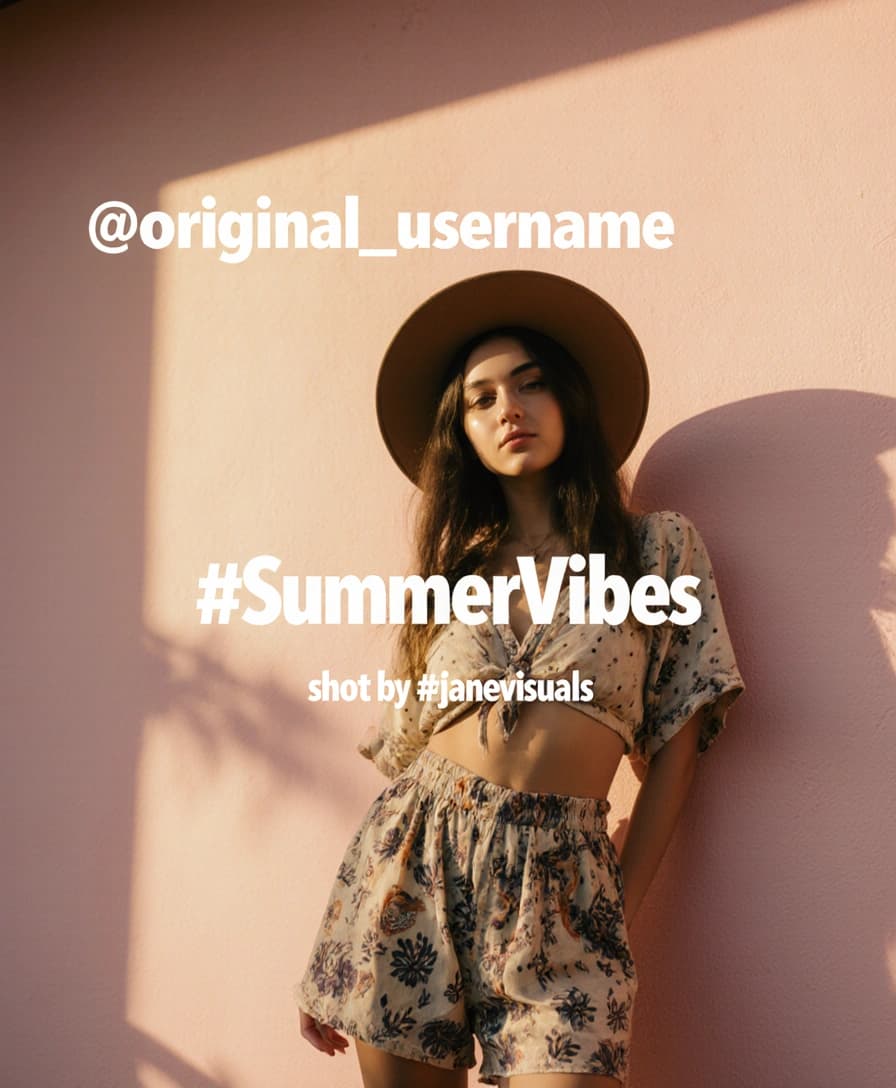
Text Remover

Erase text, watermarks, or captions without harming the background.

before
after

Unblur Image

Sharpen soft or out-of-focus shots for a crisp, professional finish.

View all tools
User profile icon with scanner frame
HEADSHOT.AI

POPULAR HEADSHOTS

  • LinkedIn Headshots
  • Professional Headshots
  • Corporate Headshots
  • Business Headshots
  • Executive Headshots

ALL HEADSHOTS

  • Actor Headshots
  • Architect Headshots
  • Author Headshots
  • Ballet Dancer Headshots
  • Black and White Headshots
  • Bumble Headshots
  • Casting Headshots
  • CEO Headshots
  • Chef Headshots
  • Dancer Headshots
  • Data Analyst Headshots
  • Dating Headshots
  • Dentist Headshots
  • Doctor Headshots
  • Entrepreneur Headshots
  • ERAS Headshots
  • Esthetician Headshots
  • Graduation Headshots
  • Hair Stylist Headshots
  • Hairdresser Headshots
  • Hinge Headshots
  • Interior Designer Headshots
  • Lawyer Headshots
  • Makeup Artist Headshots
  • Massage Therapist Headshots
  • Model Headshots
  • Musician Headshots
  • Nail Technician Headshots
  • Nurse Headshots
  • Nurse Practitioner Headshots
  • Personal Trainer Headshots
  • Professor Headshots
  • Psychologist Headshots
  • Real Estate Headshots
  • Sales Executive Headshots
  • Sales Manager Headshots
  • Singer Headshots
  • Software Engineer Headshots
  • Surgeon Headshots
  • Teacher Headshots
  • Theatrical Headshots
  • Therapist Headshots
  • Tinder Headshots
  • Yoga Teacher Headshots

AI PHOTO EDITOR

  • AI Editor
  • Background Changer
  • Magic Eraser
  • Unblur Image
  • Face Restorer
  • Image Upscaler
  • Color Correction
  • Blemish Remover
  • Photo Restoration
  • Text Remover
  • Image Extender
  • Image Convertor

COMPANY

  • About Us
  • Contact Support
  • Affiliate
  • Media Kit

RESOURCES

  • How It Works
  • Examples
  • Reviews
  • Pricing
  • FAQs
  • Journal

LEGAL

  • Terms of Use
  • Privacy Policy
  • Refund Policy
  • Security Policy
  • Sitemap

Copyright © 2026 Headshot.AI, Inc. All rights reserved.